Schedule dbt ETL Transforms with DataPallas — OLTP to OLAP on Autopilot

Virgil
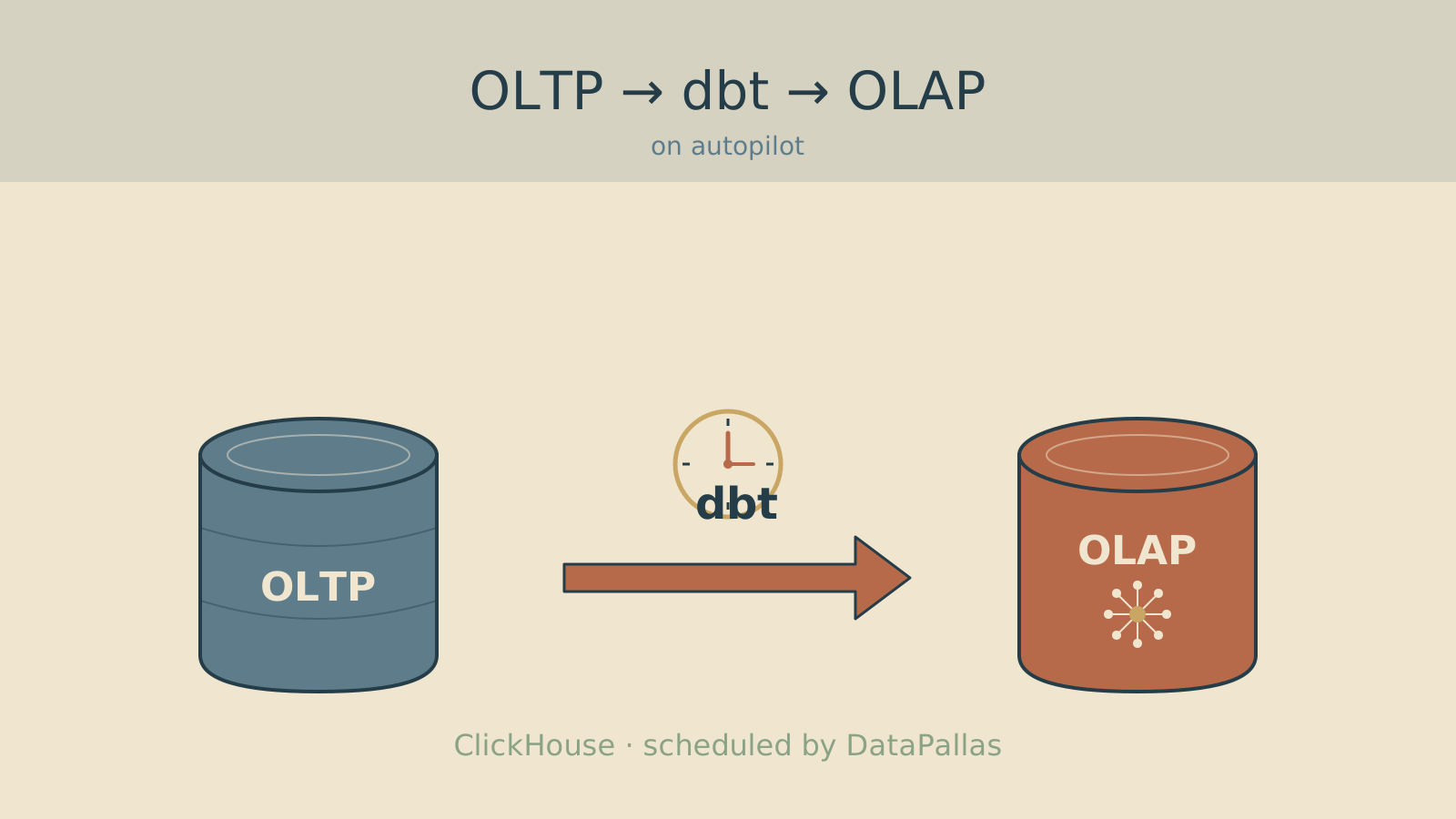
You've set up CDC replication from your OLTP database to ClickHouse. You've written dbt models that transform raw tables into a clean star schema — dimensions, facts, analytical views. Everything works when you run docker compose run dbt-transform run manually.
Now you want it to run automatically. Every hour. Or every 15 minutes. Without installing Airflow, Dagster, or any other orchestrator.
DataPallas includes a built-in cron scheduler that does exactly this. One line to uncomment, one cron expression to set — your dbt transforms run on autopilot.
What It Does
The DbtHelper runs your dbt transforms via Docker Compose:
docker compose run --rm dbt-transform runThis is the exact same command from the ETL setup guide. The helper adds:
- Structured logging — stdout and stderr captured in the application log
- Error handling — if dbt fails, the error is logged with exit code and output
- Flexibility — pass any dbt arguments you need
How to Enable It
Step 1: Ensure dbt Is Configured
Follow the Configure dbt Transforms guide first. Make sure docker compose run dbt-transform run works manually before scheduling it.
Step 2: Copy the Example Files into src/
The cron job and helper are shipped as ready-to-use examples in src-examples/. Copy them into src/ to activate:
cd _apps/flowkraft/bkend-boot-groovy-playground

# Copy the cron scheduler and dbt helper
cp -r src-examples/src/main/groovy/com/flowkraft/bkend/crons/ \
      src/main/groovy/com/flowkraft/bkend/crons/
cp -r src-examples/src/main/groovy/com/flowkraft/bkend/helpers/DbtHelper.groovy \
src/main/groovy/com/flowkraft/bkend/helpers/Step 3: Uncomment the Schedule
Open src/main/groovy/com/flowkraft/bkend/crons/crons.groovy and uncomment the @Scheduled line:
// @Scheduled(cron = "0 30 * * * *")  // Every hour at :30
void runDbtTransforms() {Change it to:
@Scheduled(cron = "0 30 * * * *")  // Every hour at :30
void runDbtTransforms() {Step 4: Customize (Optional)
The default runs all dbt models. You can customize:
void runDbtTransforms() {
    // Run all models (default)
    DbtHelper.run()

    // Run specific models only
    DbtHelper.run('--select dim_customer fact_sales')

    // Run only models with a tag
    DbtHelper.run('--select tag:hourly')

    // Full refresh (drop + recreate tables)
    DbtHelper.run('--full-refresh')

    // Run with a specific target profile
    DbtHelper.run('--target production')
}Any argument you'd normally pass to dbt run works here.
Step 5: Rebuild and Restart
Rebuild and restart the Groovy backend to pick up the schedule:
./mvnw clean package -DskipTestsYour transforms now run automatically.
Common Schedules
| Use Case | Cron Expression | When It Runs |
|---|---|---|
| Near-real-time dashboards | 0 0/15 * * * * | Every 15 minutes |
| Hourly warehouse refresh | 0 30 * * * * | Every hour at :30 |
| Daily overnight ETL | 0 0 2 * * * | 2:00 AM every day |
| Business hours only | 0 0 7-18 * * MON-FRI | Every hour, 7 AM–6 PM weekdays |
The Pipeline: CDC + dbt + DataPallas
Here's the full automated data pipeline:
-
CDC (Change Data Capture) — Debezium captures every INSERT, UPDATE, DELETE from your OLTP database and streams it to ClickHouse in real-time. Set up once, runs continuously.
-
dbt Transform (this guide) — Runs on schedule. Reads raw OLTP tables from ClickHouse, builds star schema (dimensions, facts, views). Takes seconds to minutes depending on data volume.
-
DataPallas Dashboards — Your Tabulator tables, Chart.js visualizations, and PivotTable analytics query the star schema. Always fresh, always fast.
No external orchestrator needed. No Airflow. No Kubernetes. Just DataPallas + Docker + dbt.
Error Handling
If dbt fails (bad SQL, connection issue, timeout), the error is logged:
ERROR - dbt transform FAILED with exit code 1
dbt stderr:
  Compilation Error in model fact_sales (models/marts/fact_sales.sql)
    column "nonexistent_column" does not exist
The cron job catches the error and logs it — it doesn't silently swallow failures. Add email or Slack notification in crons.groovy if you want alerts:
catch (Exception e) {
    log.error("dbt transform FAILED: {}", e.message)
    // Add notification here:
    // SlackHelper.send('#data-team', "dbt failed: ${e.message}")
}What dbt Produces
The default models from the DataPallas ETL setup create:
| Object | Type | Purpose |
|---|---|---|
stg_customers, stg_products, ... | Views | Thin rename/cast layer over OLTP tables |
dim_customer, dim_product, dim_employee, dim_time | Tables | Dimension tables (MergeTree) |
fact_sales | Table | Fact table — one row per order line item |
vw_sales_detail | View | Denormalized view for easy querying |
vw_monthly_sales | View | Time-series aggregation |
Edit the SQL models in db/dbt-transform/models/ to add your own dimensions, facts, and views.
Technical Details
The DbtHelper is a simple Groovy wrapper around docker compose run:
static boolean run(String extraArgs = '') {
    def command = "docker compose run --rm dbt-transform run ${extraArgs}".trim()
    def process = command.execute(null, new File(dbDirectory))
    // ... streams output, checks exit code, logs results
}Source: _apps/flowkraft/bkend-boot-groovy-playground/src-examples/src/main/groovy/com/flowkraft/bkend/helpers/DbtHelper.groovy
The --rm flag ensures the Docker container is cleaned up after each run. The dbDirectory defaults to /DataPallas/db (where docker-compose.yml lives).