Schedule Unattended Excel Power Query Refreshes — A PowerUpdate Alternative

Virgil
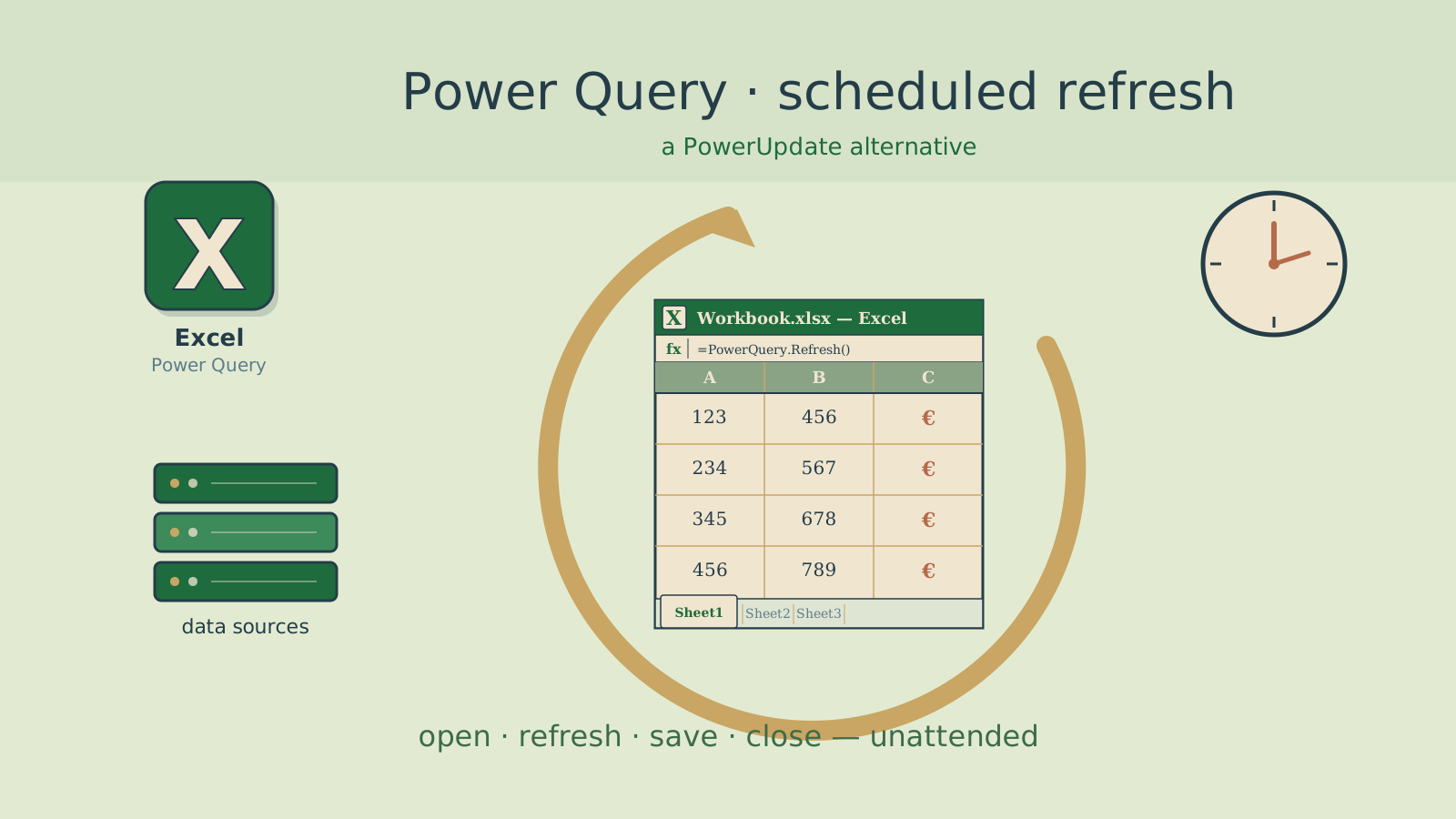
PowerUpdate was discontinued. If you relied on it to refresh 50, 80, or 100 Excel workbooks every morning before your team arrived — you need a replacement.
DataPallas ships with a ready-to-use scheduled Excel refresh that does exactly what PowerUpdate did: open workbook → refresh all connections → wait for completion → save → close. Unattended, on a cron schedule, with proper error handling.
And unlike PowerUpdate, if a Power Query fails, you'll know about it — the refresh throws an error instead of silently shipping stale data.
What It Refreshes
Everything Excel supports:
- Power Query (Get & Transform)
- Power Pivot models
- ODBC / OLE DB connections
- SQL Server / Oracle / MySQL linked queries
- Web queries
- Pivot table caches
Requirements
- Windows with Microsoft Excel installed (desktop version, not web)
- DataPallas installed
- The Groovy backend playground running natively on Windows (not in Docker)
Why Windows-Native?
The Excel refresh uses JACOB (Java COM Bridge) to automate Excel via COM. COM is a Windows-only technology — it does not exist on Linux. Since bkend-boot-groovy-playground normally runs inside a Linux Docker container, the Excel refresh cannot work from Docker.
For this feature, you must run the Groovy backend directly on Windows where Excel is installed.
All other features of bkend-boot-groovy-playground (REST APIs, Liquibase migrations, dbt transforms, etc.) work fine in Docker. Only the Excel COM refresh requires Windows-native execution.
Running the Groovy Backend Natively on Windows
Instead of docker compose up, run the Spring Boot app directly:
cd _apps\flowkraft\bkend-boot-groovy-playground

mvnw.cmd spring-boot:run ^
-Dspring-boot.run.jvmArguments="-Djava.library.path=lib"Before running:
- Download the JACOB native DLL from github.com/freemansoft/jacob-project/releases
- Place
jacob-1.18-x64.dllin alib/folder insidebkend-boot-groovy-playground/(or any folder on your system PATH) - Ensure Java 17+ is installed and on your PATH (
java -versionto verify)
The app starts on port 8080 by default. To use a different port:
mvnw.cmd spring-boot:run ^
-Dspring-boot.run.jvmArguments="-Djava.library.path=lib -Dserver.port=8410"How to Enable It
Step 1: Copy the Example Files into src/
The cron job and helper are shipped as ready-to-use examples in src-examples/. Copy them into src/ to activate:
cd _apps/flowkraft/bkend-boot-groovy-playground

# Copy the cron scheduler and Excel helper
cp -r src-examples/src/main/groovy/com/flowkraft/bkend/crons/ \
      src/main/groovy/com/flowkraft/bkend/crons/
cp -r src-examples/src/main/groovy/com/flowkraft/bkend/helpers/ExcelHelper.groovy \
src/main/groovy/com/flowkraft/bkend/helpers/Step 2: Uncomment the Schedule
Open src/main/groovy/com/flowkraft/bkend/crons/crons.groovy and uncomment the @Scheduled line:
// @Scheduled(cron = "0 0 5 * * MON-FRI")  // 5:00 AM every weekday
void refreshExcelReports() {Change it to:
@Scheduled(cron = "0 0 5 * * MON-FRI")  // 5:00 AM every weekday
void refreshExcelReports() {Step 3: Set Your File Paths
Edit the method body to point to your workbooks:
void refreshExcelReports() {
    // Single file
    ExcelHelper.refreshAndSave('C:/reports/sales-dashboard.xlsx')

    // Or an entire folder
    ExcelHelper.refreshFolder('C:/reports/daily-refreshes')

    // Or multiple specific files
    ExcelHelper.refreshAndSave('C:/reports/finance/budget.xlsx')
    ExcelHelper.refreshAndSave('C:/reports/ops/inventory.xlsx', 'workbook-password')
}Step 4: Rebuild and Start the Backend on Windows
Rebuild the app and start (or restart) the Groovy backend natively on Windows (see "Running the Groovy Backend Natively on Windows" above):
./mvnw clean package -DskipTestsThat's it — your workbooks will refresh automatically at 5:00 AM every weekday.
Common Cron Expressions
| Schedule | Cron Expression |
|---|---|
| Every weekday at 5 AM | 0 0 5 * * MON-FRI |
| Every day at 2 AM | 0 0 2 * * * |
| Every 4 hours | 0 0 0/4 * * * |
| Every Monday at 6 AM | 0 0 6 * * MON |
Error Handling
Unlike PowerUpdate, DataPallas's Excel refresh fails loudly. If a Power Query connection times out, if credentials are wrong, if the file is locked — the error is logged with the file name and error message.
ERROR - Excel refresh FAILED for C:/reports/sales-dashboard.xlsx: Data source connection timeoutYou'll never unknowingly send a stale workbook again.
After the Refresh
The refreshed workbooks are saved in place. From there, you can:
- Email them using DataPallas's report distribution (split + email per recipient)
- Upload to SharePoint via DataPallas's upload delivery
- Copy to OneDrive folders for large files
- Leave them on a shared drive for self-service access
Technical Details
The ExcelHelper uses JACOB (Java COM Bridge) to automate Excel via COM. This is the same automation API that PowerUpdate, VBA macros, and Windows Task Scheduler scripts use — it's the standard way to drive Excel programmatically on Windows.
The helper:
- Starts Excel invisibly (no window)
- Opens the workbook (with optional password)
- Calls
RefreshAll(refreshes every connection type) - Polls
CalculationStateuntil all async queries complete - Saves the workbook
- Closes Excel cleanly (releases COM resources)
Source: _apps/flowkraft/bkend-boot-groovy-playground/src-examples/src/main/groovy/com/flowkraft/bkend/helpers/ExcelHelper.groovy