Grails & Next.js Apps
Deploy custom BI solutions using DataPallas's ready-made Grails or Next.js apps — with the web components pre-configured.
The easiest and most customizable path to a full BI solution is through the ready-made Grails and Next.js apps that ship with DataPallas. That being said, all of DataPallas's BI web components (rb-dashboard, rb-tabulator, rb-chart, rb-pivot-table, rb-parameters, rb-report) are embeddable into any web application.
DataPallas Grails App
The Grails app is the DataPallas's default stack for building admin panels and self-service portals. It comes pre-configured with DataPallas's web components and is ready to customize.
Starting the App
In DataPallas, navigate to the Dashboards / Customer Portal tab and click Start on the Grails app.

Confirm the start action.
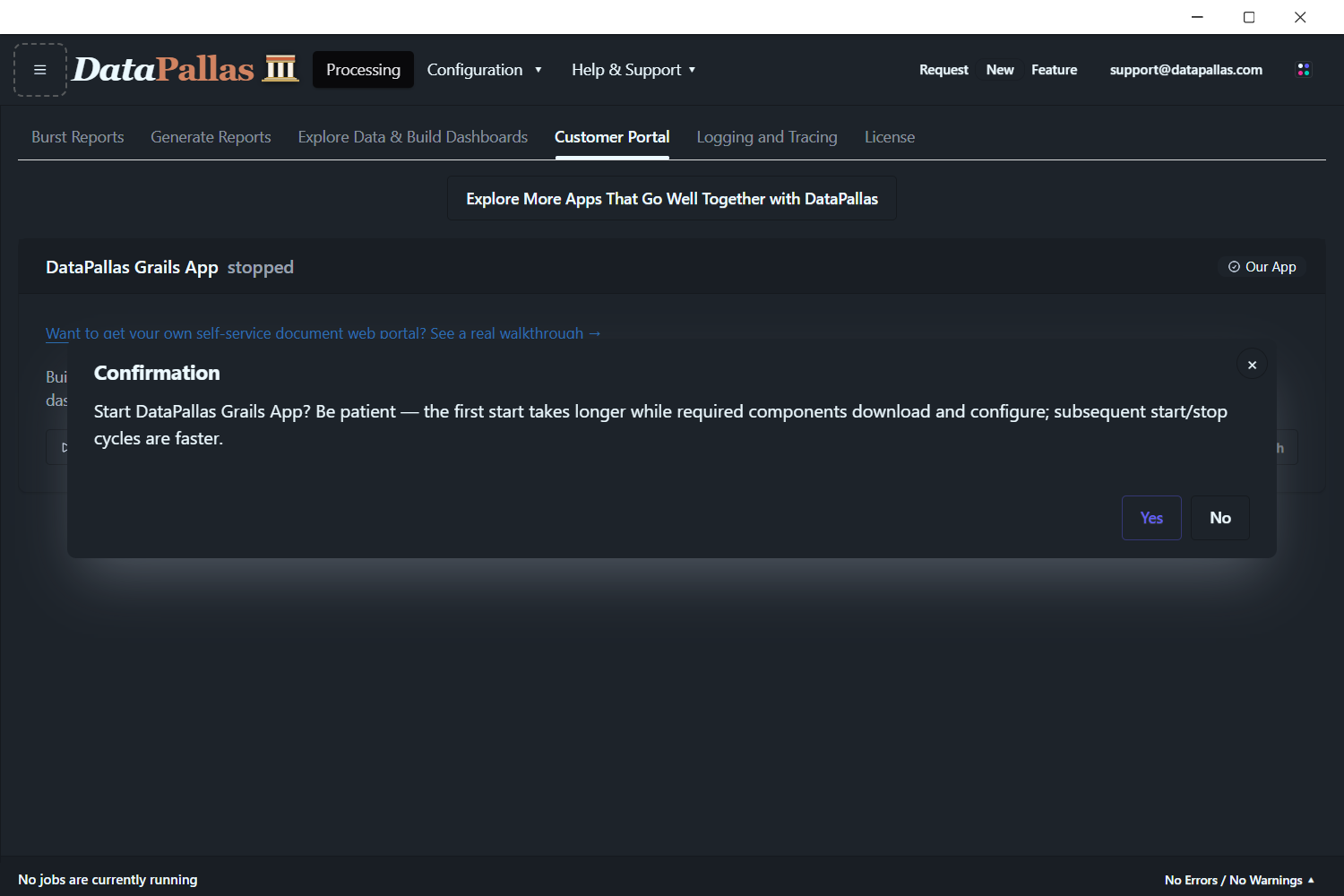
Wait for the app to start — this takes a moment on first launch.
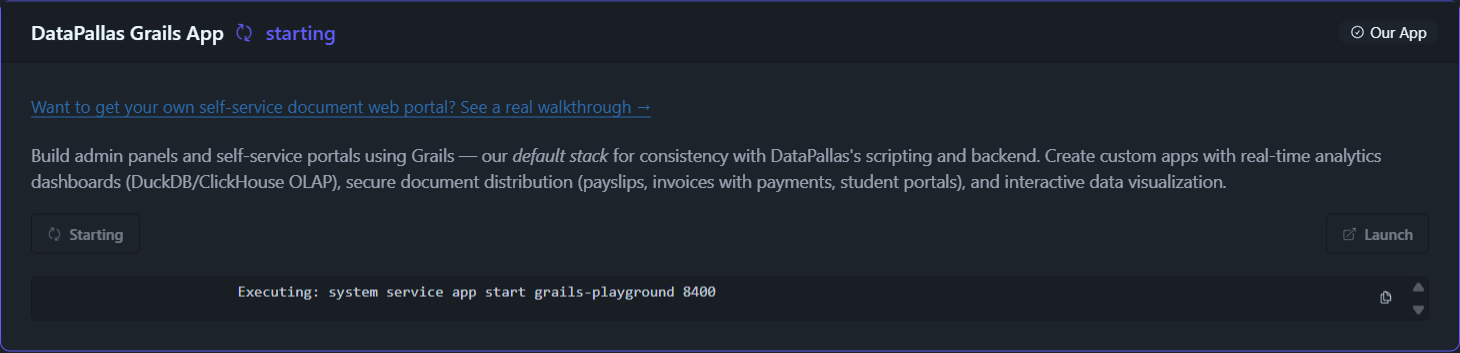
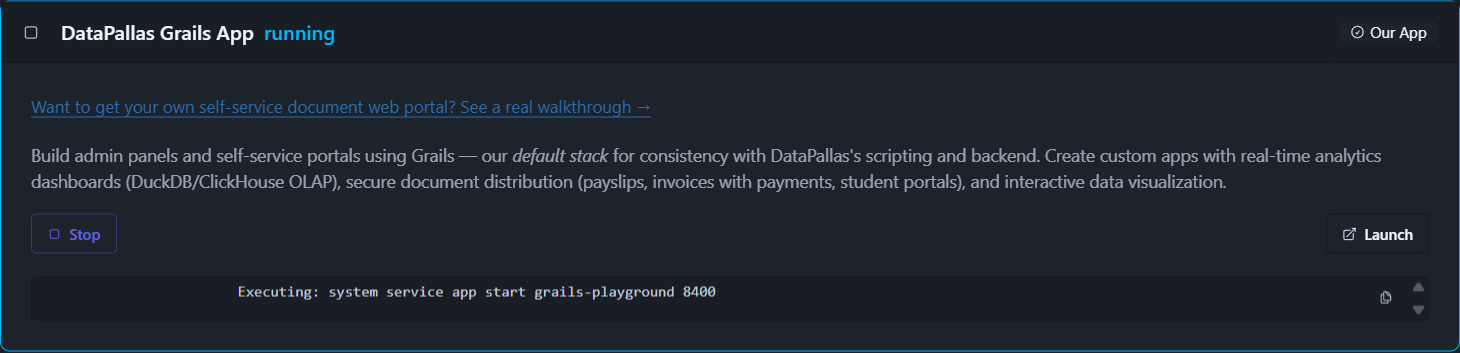
Once started, click Launch to open the app in your browser.
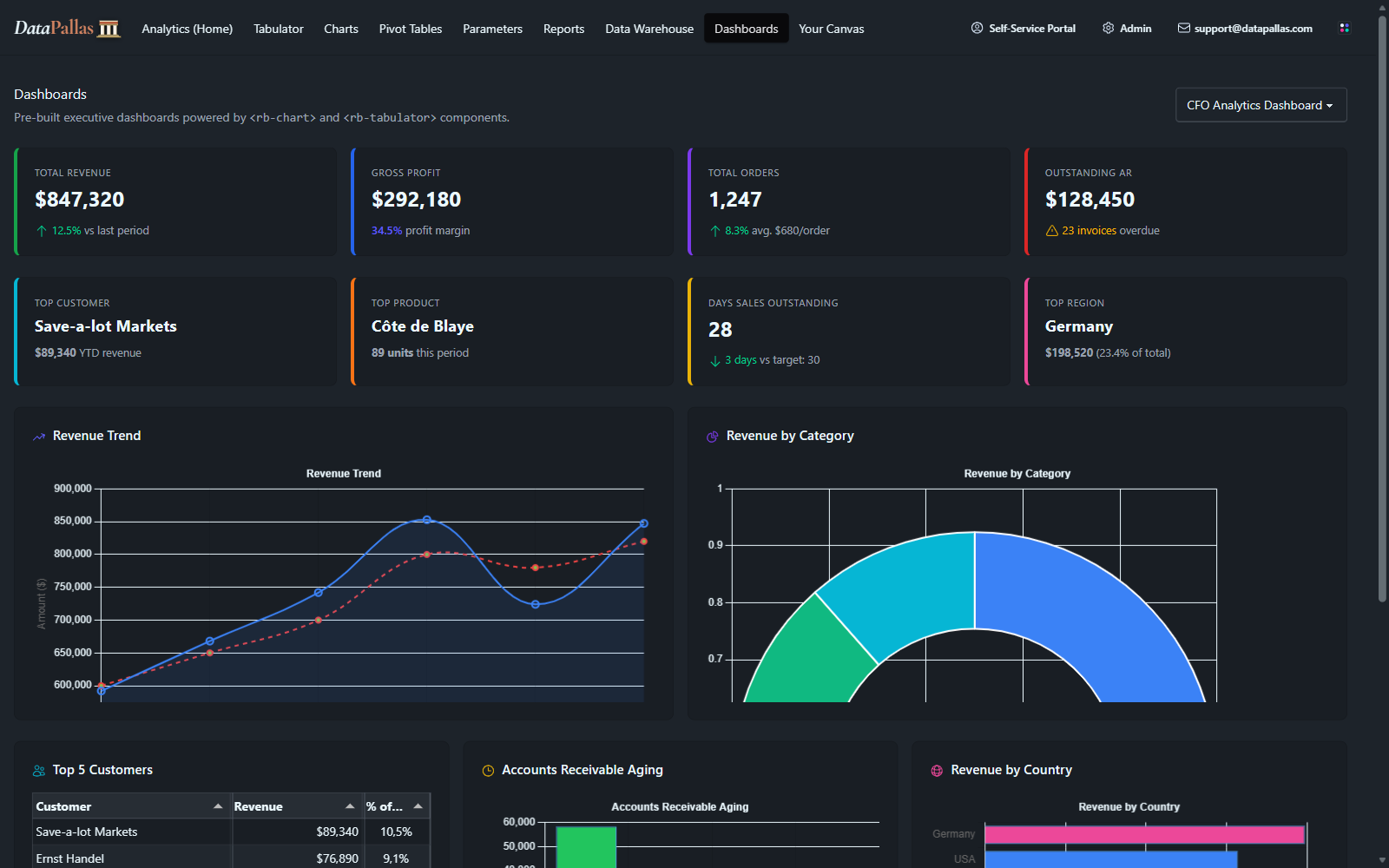
What You Get
- Groovy/Grails backend — consistent with DataPallas's scripting and report engine
- Real-time analytics dashboards (DuckDB/ClickHouse OLAP)
- Secure document distribution (payslips, invoices, student portals)
- All
rb-*web components pre-loaded and ready to embed - SQLite database for development, easy to swap for PostgreSQL/MySQL in production
When to Use It
The Grails app is ideal when you want a complete, ready-to-deploy BI solution with minimal setup. It shares the same Groovy ecosystem as DataPallas's report scripts, making it the natural choice for teams already working with DataPallas.
DataPallas Next.js App (Alternative Stack)
For teams who prefer the modern React/TypeScript ecosystem, the Next.js app offers the same capabilities using a different tech stack.
What You Get
- Next.js 15 + Tailwind 4 + shadcn — modern React/TypeScript stack
- Same
rb-*web components, same data sources, same dashboards - Same capabilities as the Grails app but with a different tech stack
When to Use It
Choose the Next.js app if your team is more comfortable with React/TypeScript.
Embedding in Other Apps
Don't want to use either app? All web components work standalone in any HTML page. See Web Components for embed snippets, or follow the Dashboards tutorial to build a dashboard from scratch.