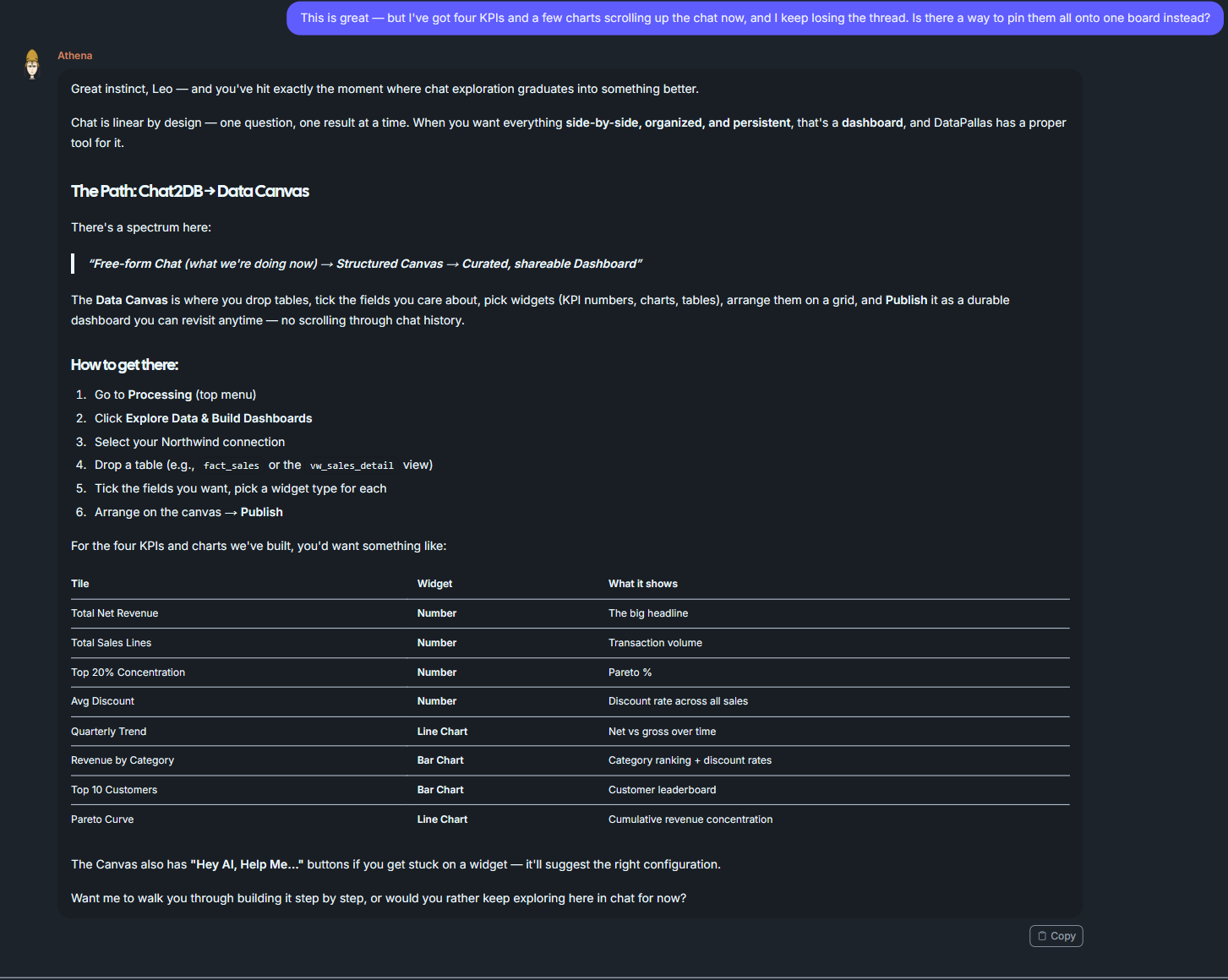
Chat2DB
Ask questions in plain English and get SQL, charts, and insights instantly with AI-powered data exploration.
Few Notes on AI Usage within DataPallas & Data Privacy
Your data remains private and safe — even when using all the features you'll see below.
For the longer version, read
Athena -> Data Exploration / Analysis
So, let's get started to meet Athena
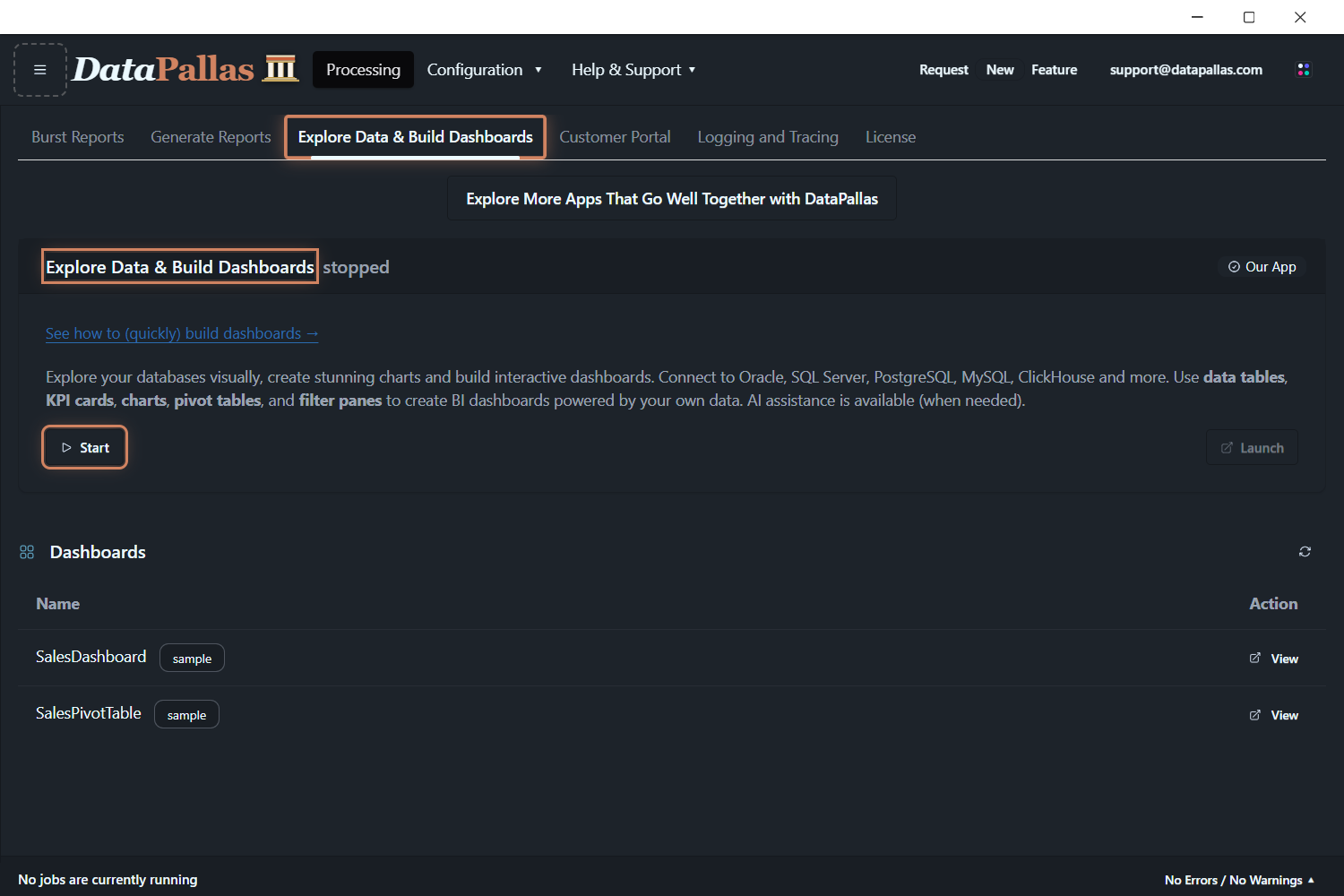
From the top menu, open Processing → Explore Data & Build Dashboards and click Start — Chat2DB runs inside this app. (It's also reachable from the Chat2DB tab of any database connection.)
First step is to provision the DataPallas AI Crew assistants and for this you'll need to provide an API key.
Which AI vendor? For the best results, use OpenAI and/or Anthropic — their top models are the best-in-class option for powering DataPallas AI Crew assistants. The screenshot below shows every AI vendor DataPallas supports, with OpenAI and Anthropic at the top.
That said, every Chat2DB session on this page (and most AI interactions throughout these docs) was created using a much smaller and more affordable model — deliberately, to show what's achievable without breaking the bank.
Now imagine what Athena could do powered by OpenAI or Anthropic — or better yet, just wire it up and see for yourself.
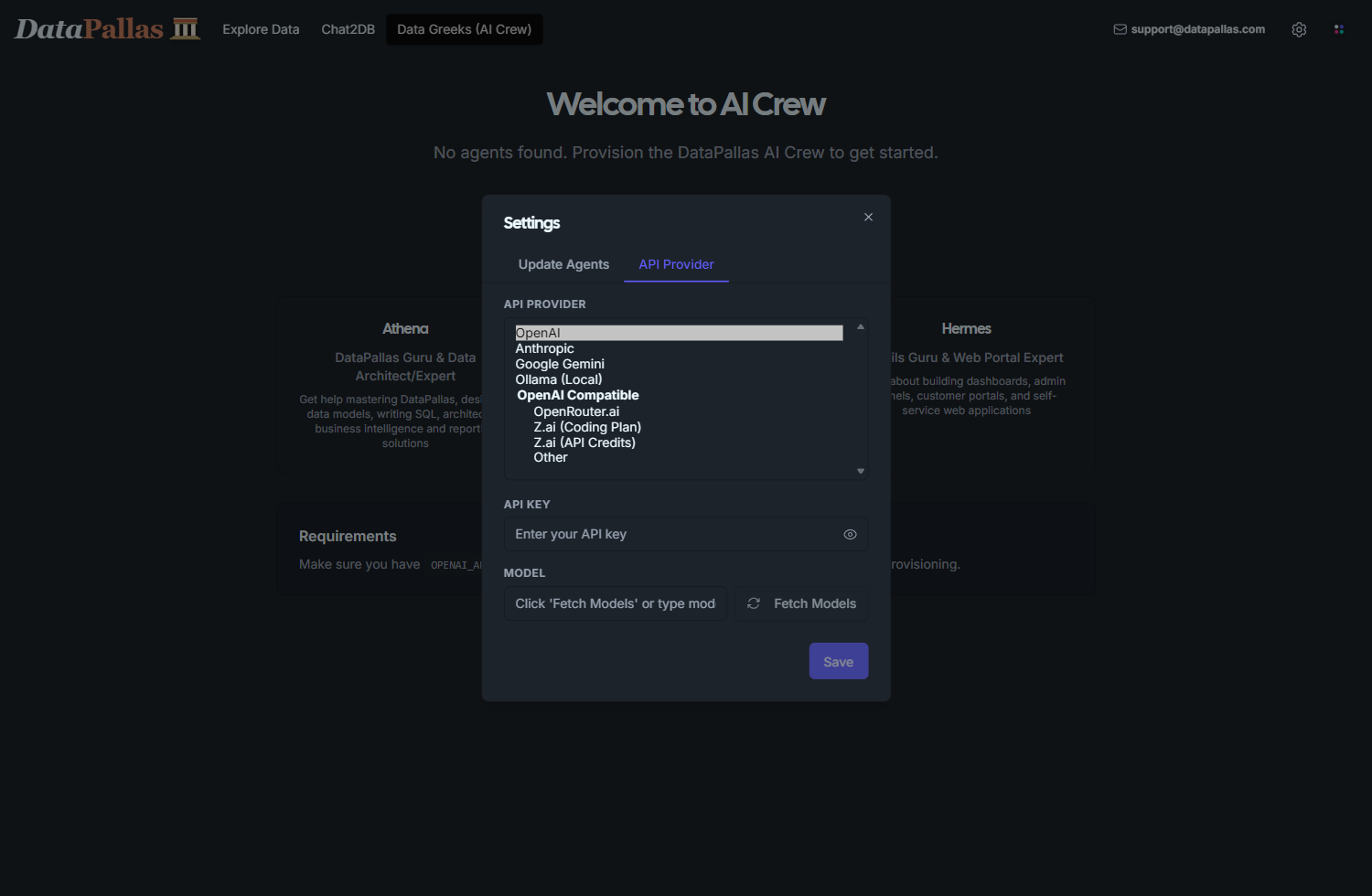
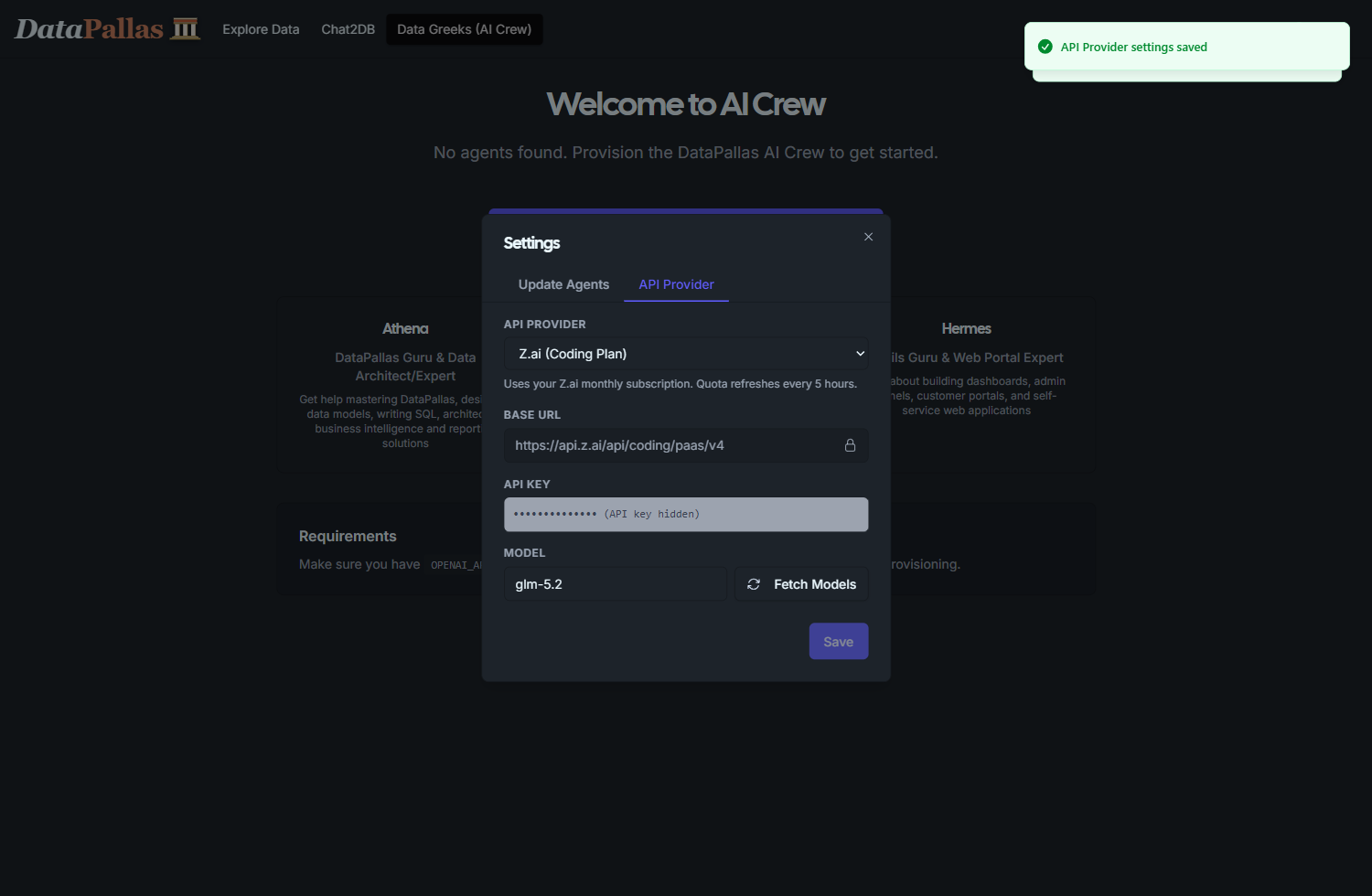
On the top right of the DataPallas AI Hub app provide your API key
Mind the Give db_query tool to Athena checkbox which is OFF by default.
Keep it OFF
(and you'll still be able to perform all the activities you'll see below)
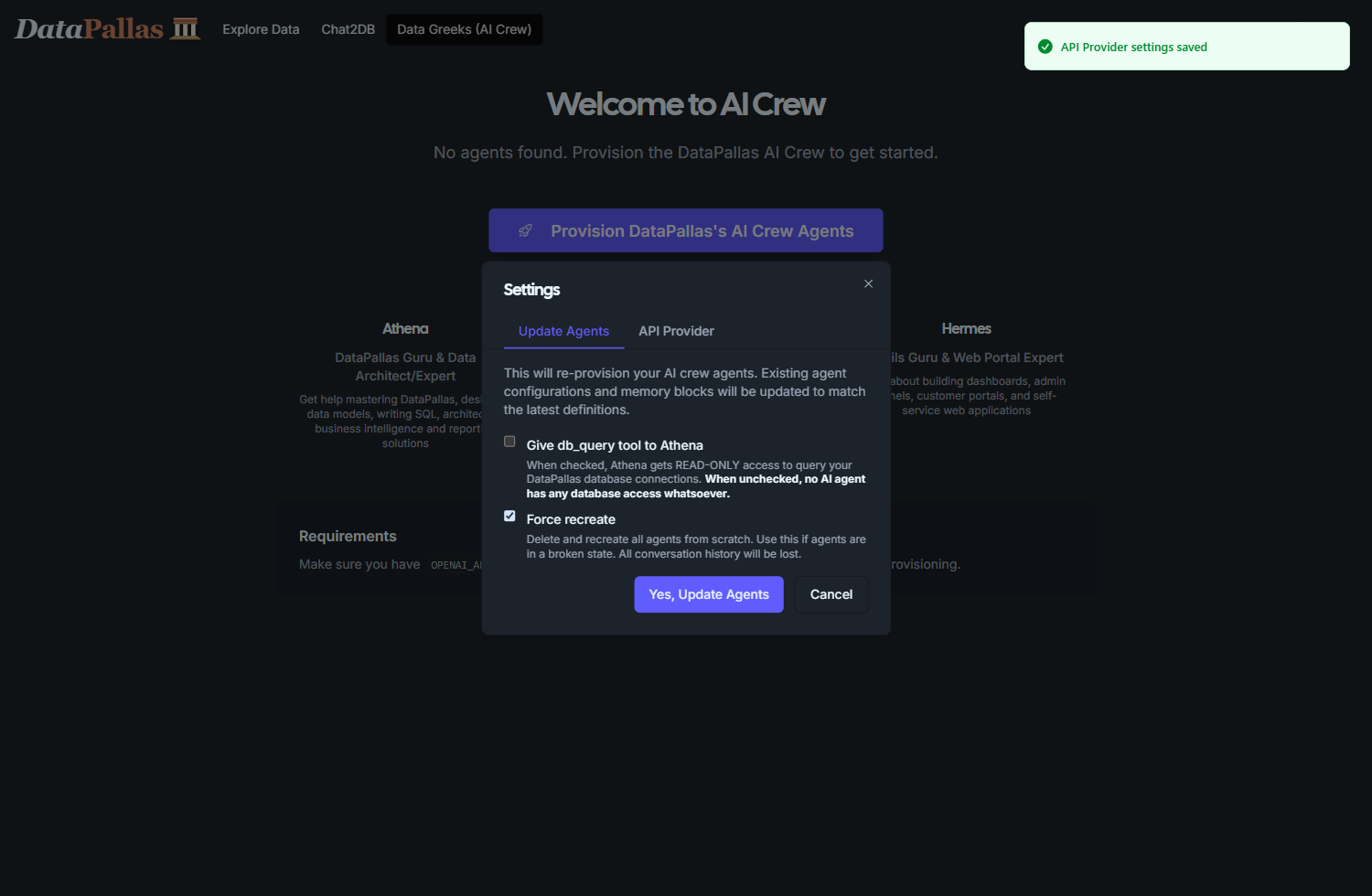
Click 'Update Agents' and wait a few minutes for the provision to complete.
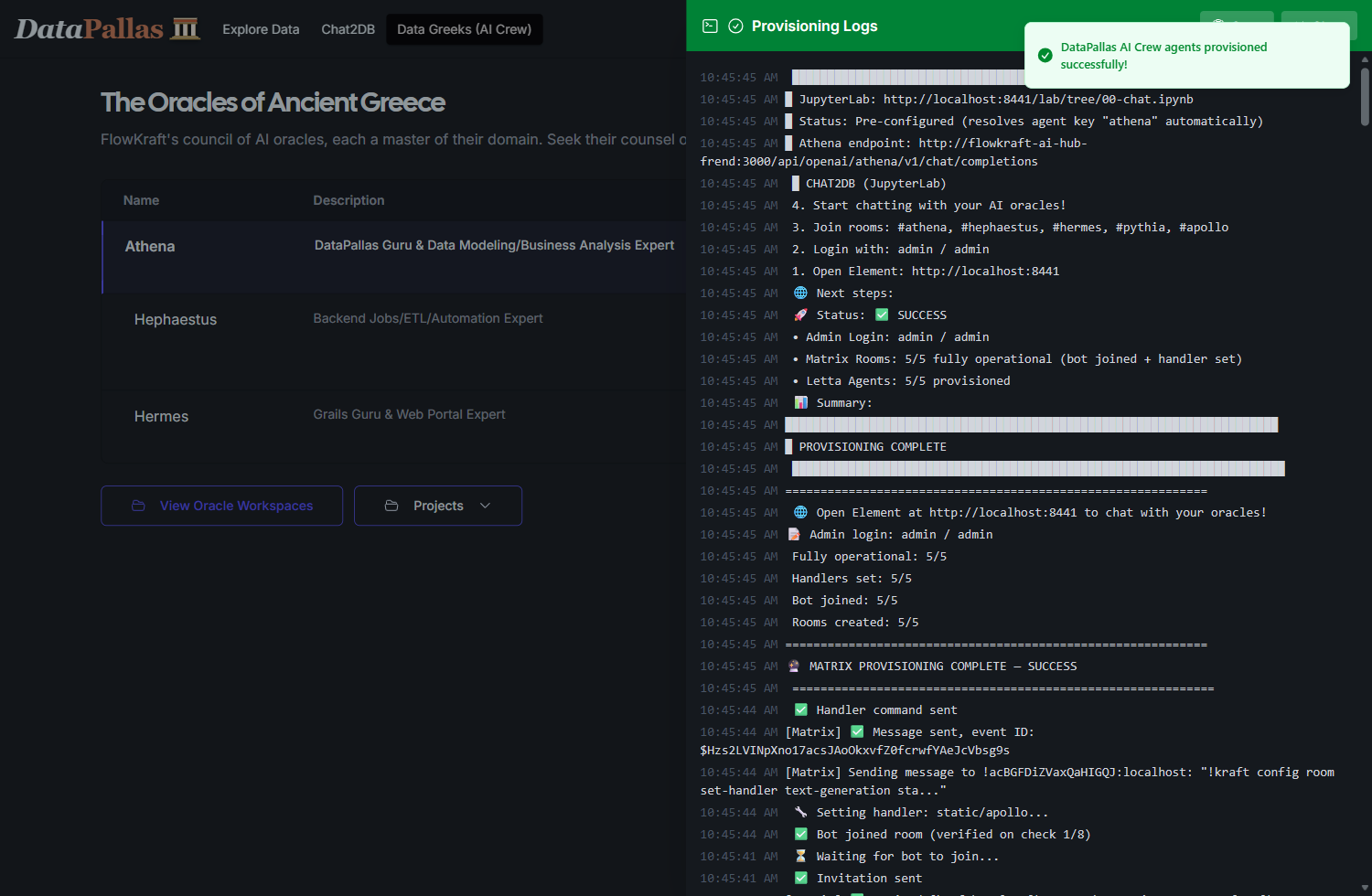
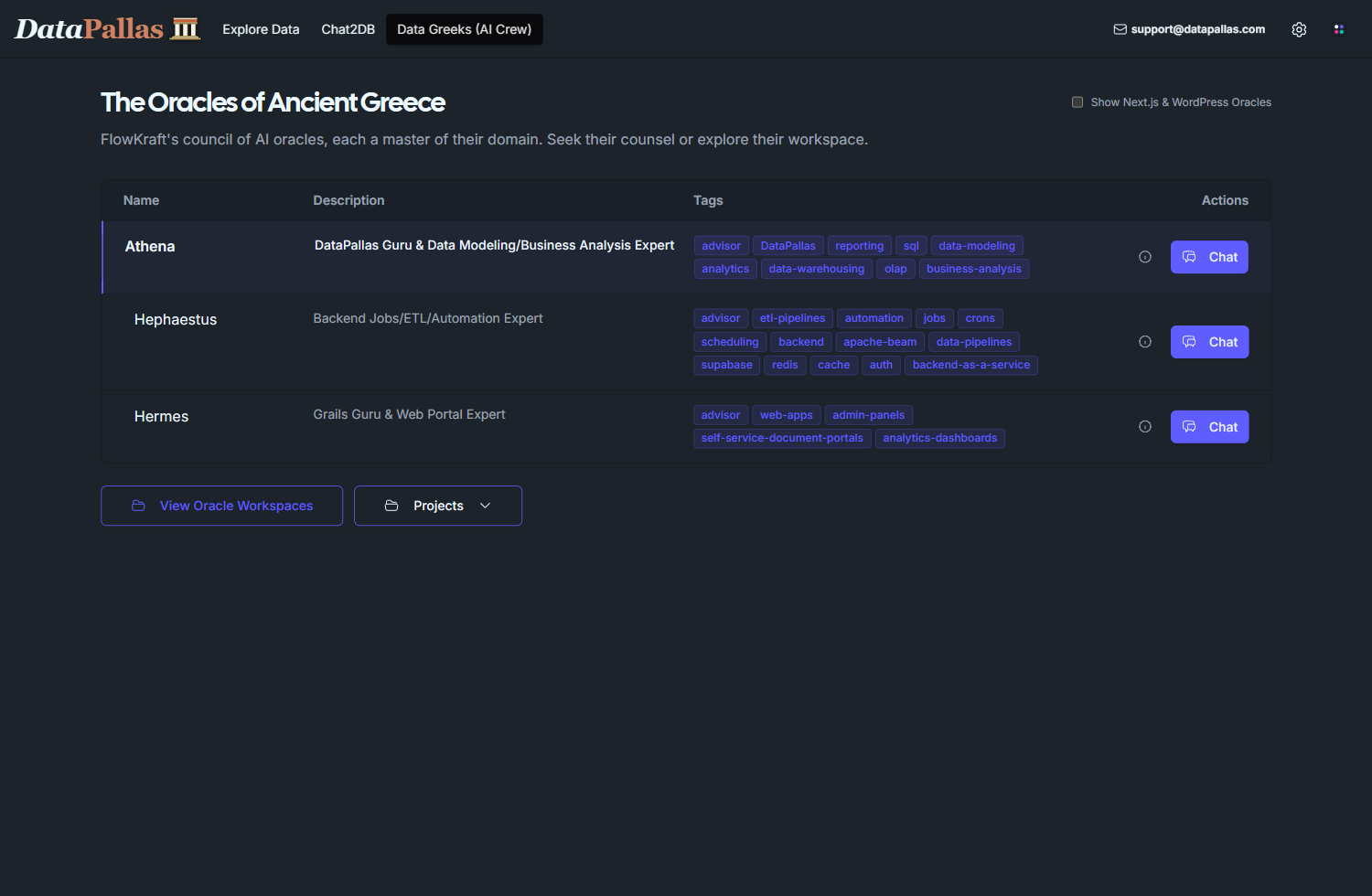
All agents are provisioned - Athena is today's star.
Athena's mission: DataPallas Guru & Data Modeling/Business Analysis Expert. I help the users master DataPallas, design data models, write SQL, and architect business and reporting solutions.
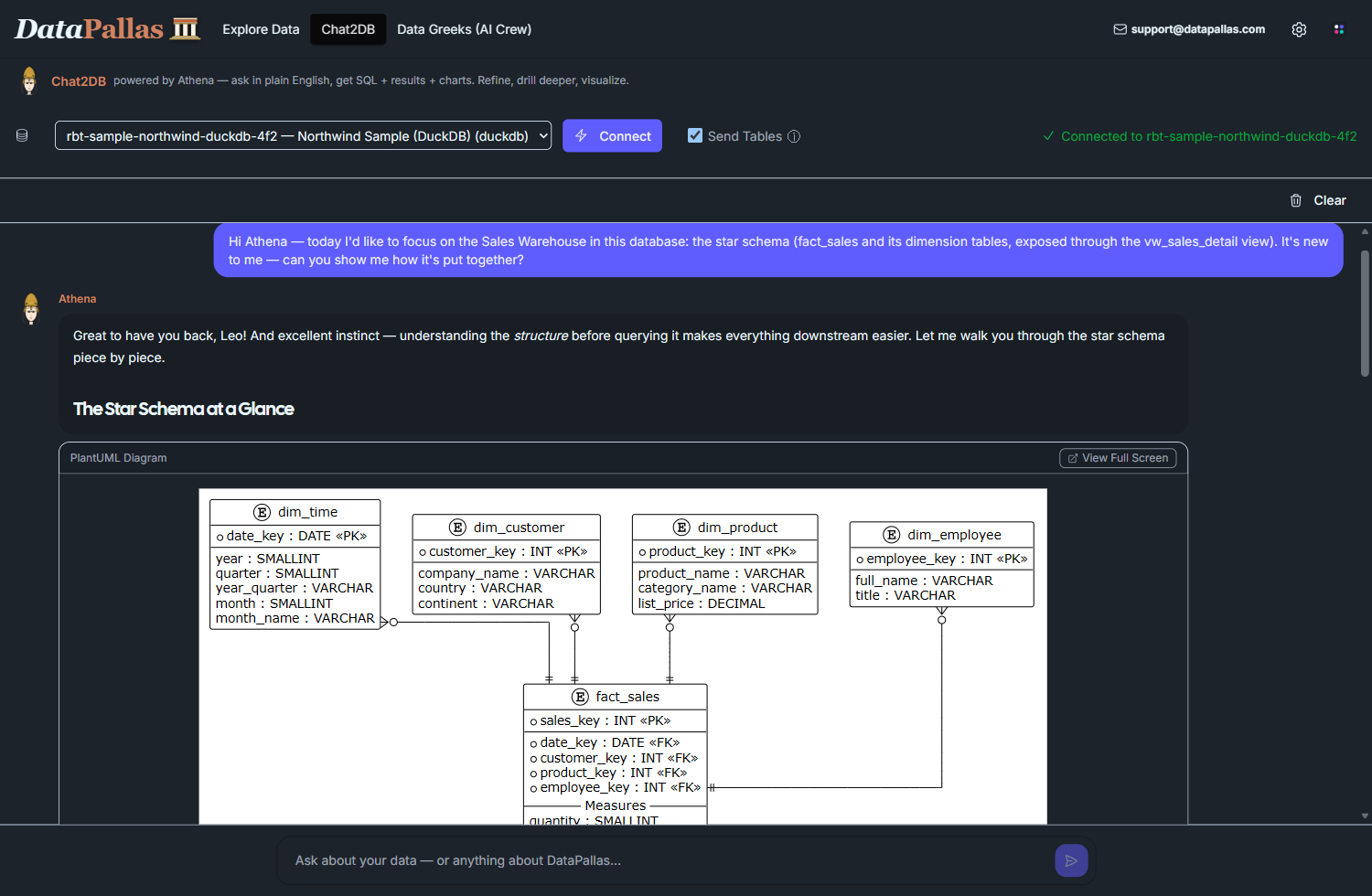
Select the existing DuckDB sample connection
Session 1: First Encounter
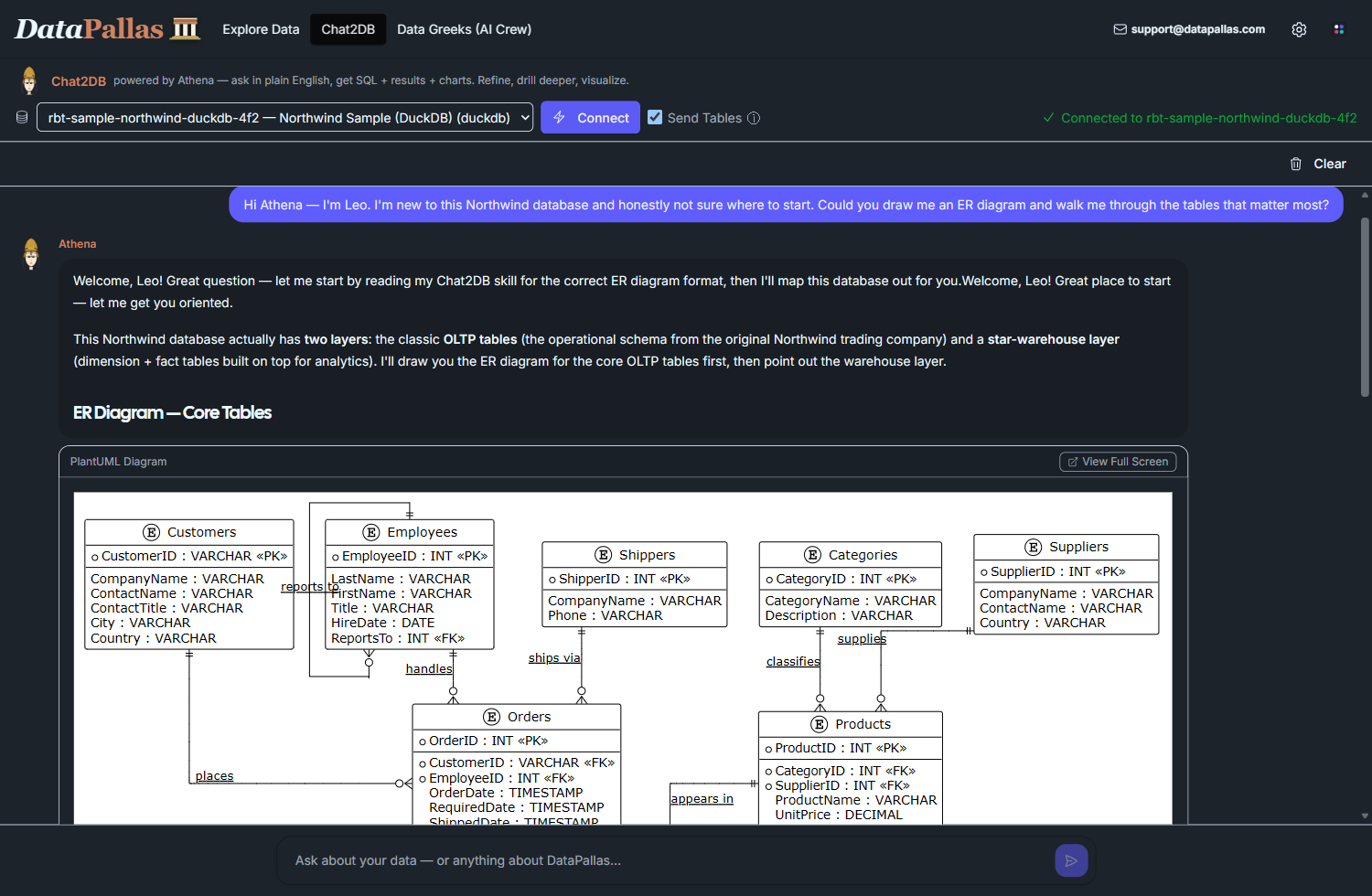
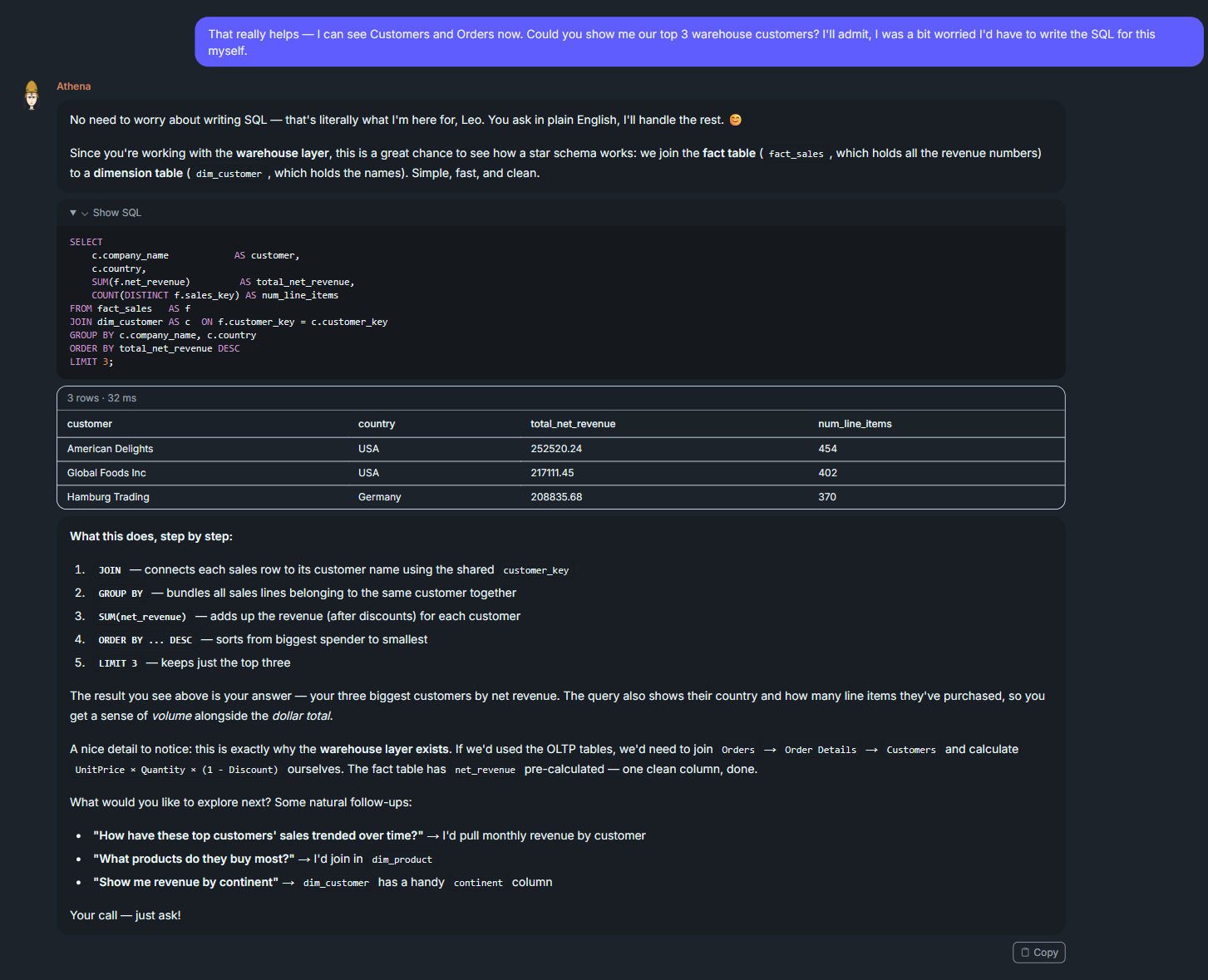
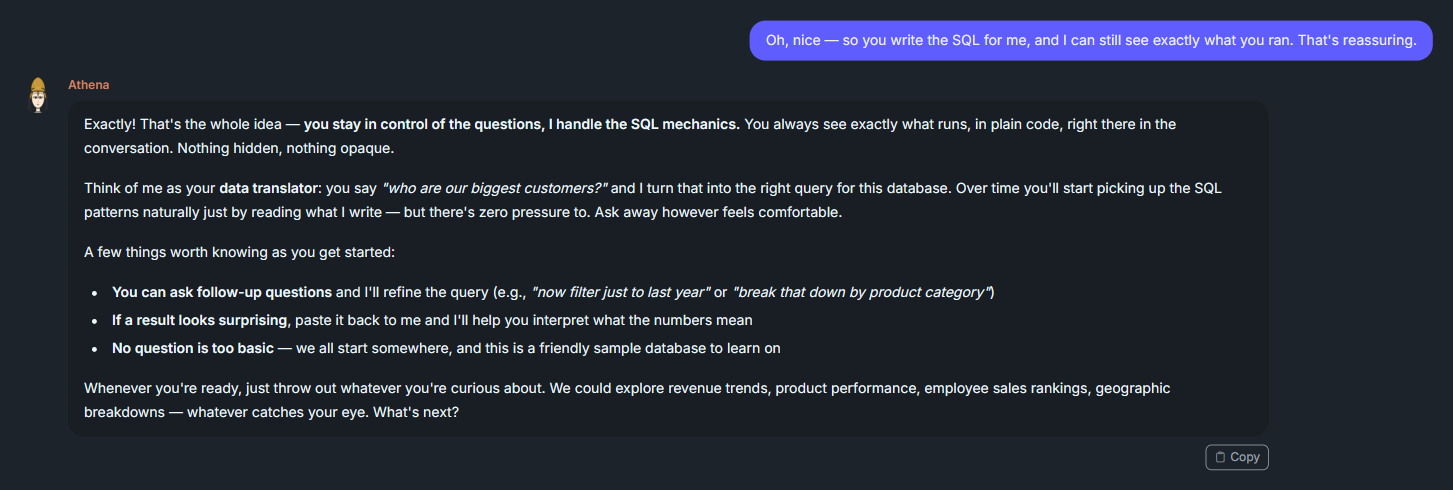
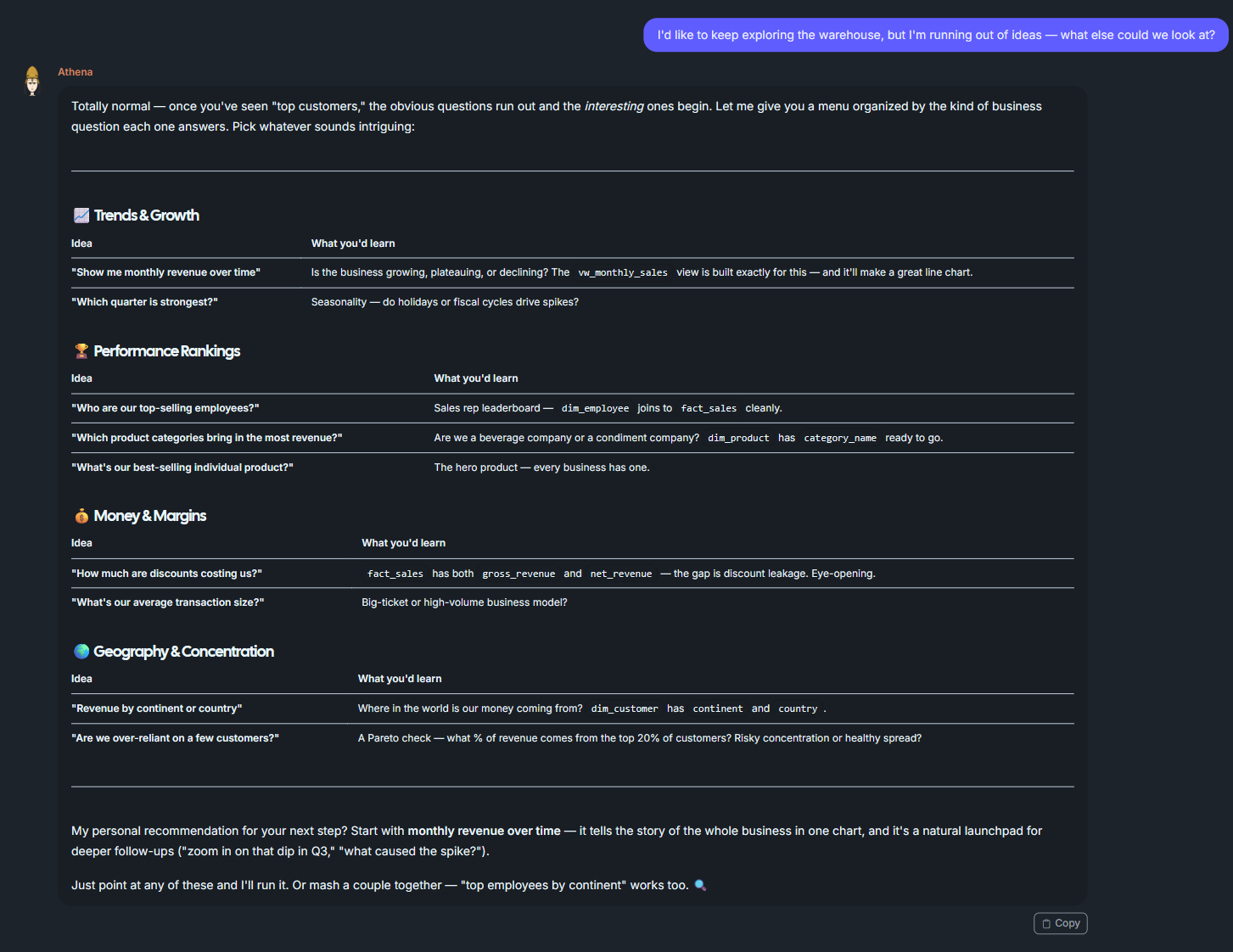

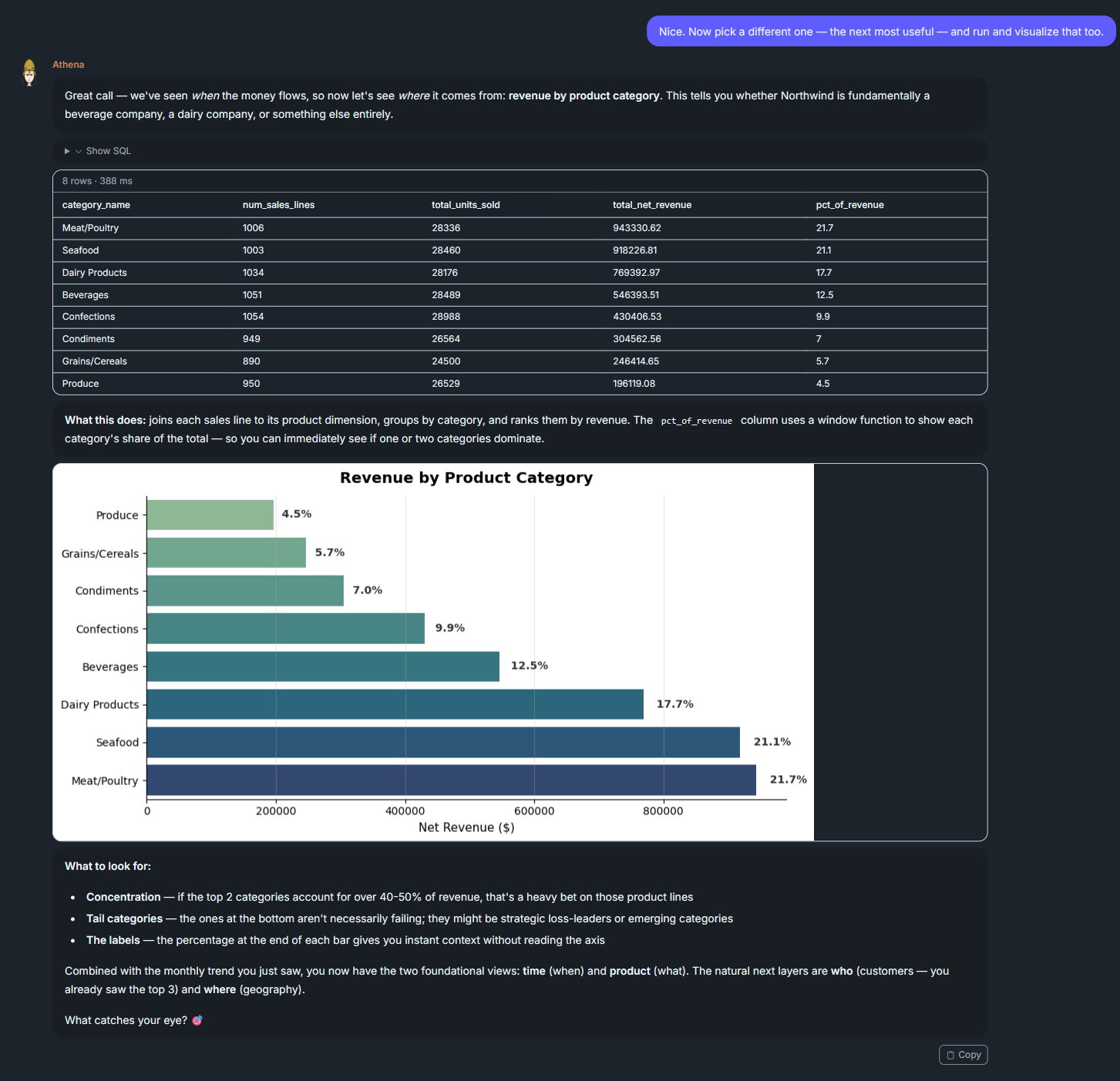

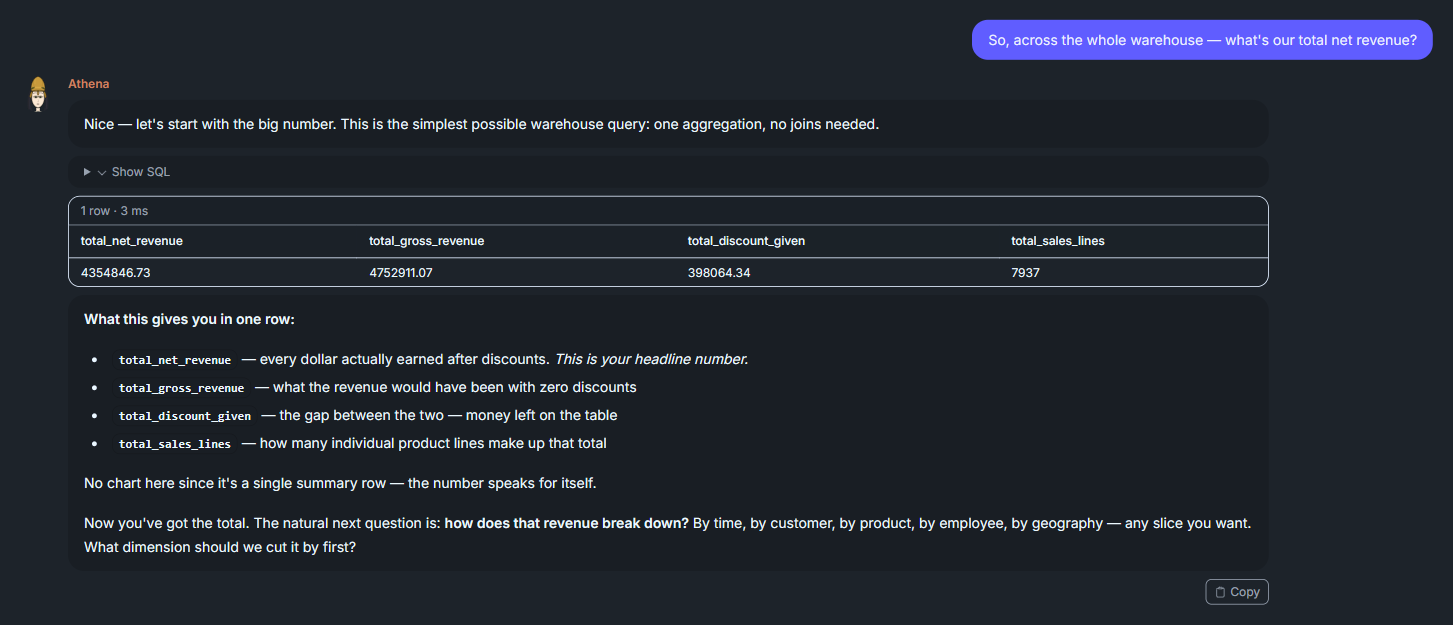
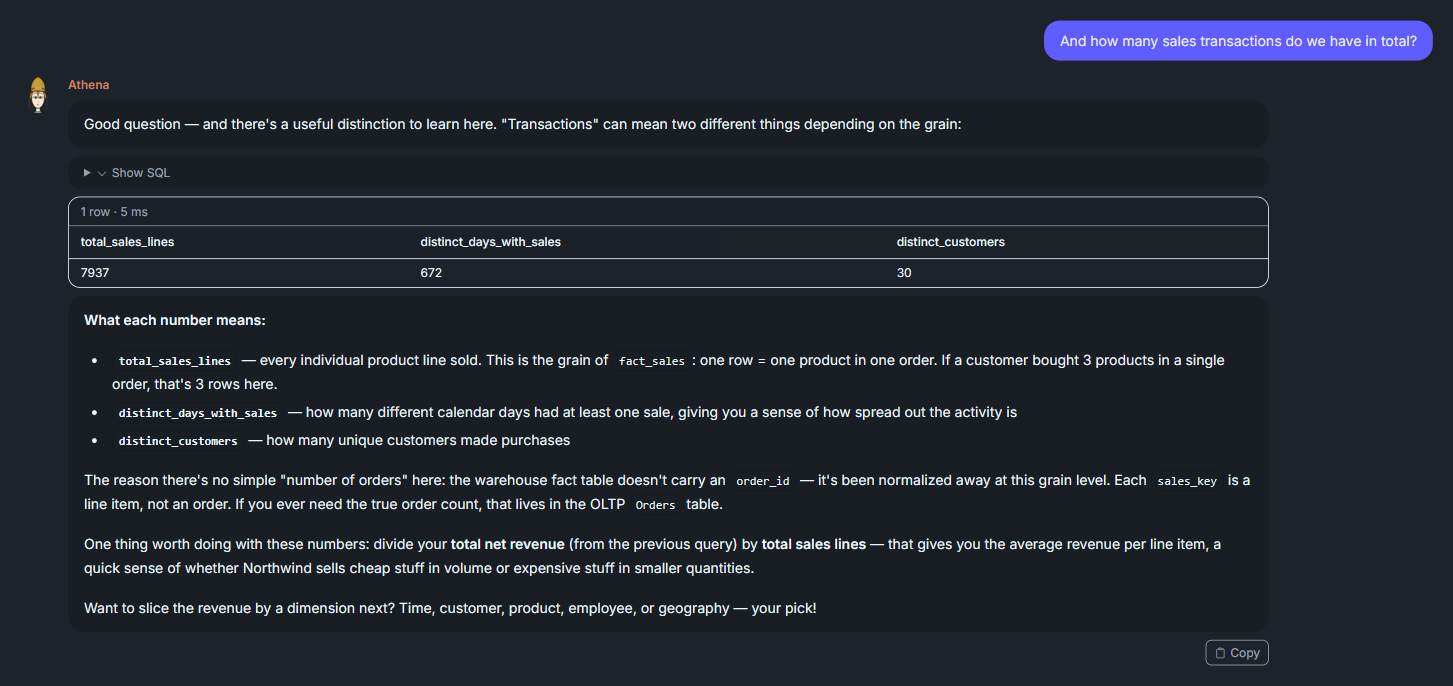
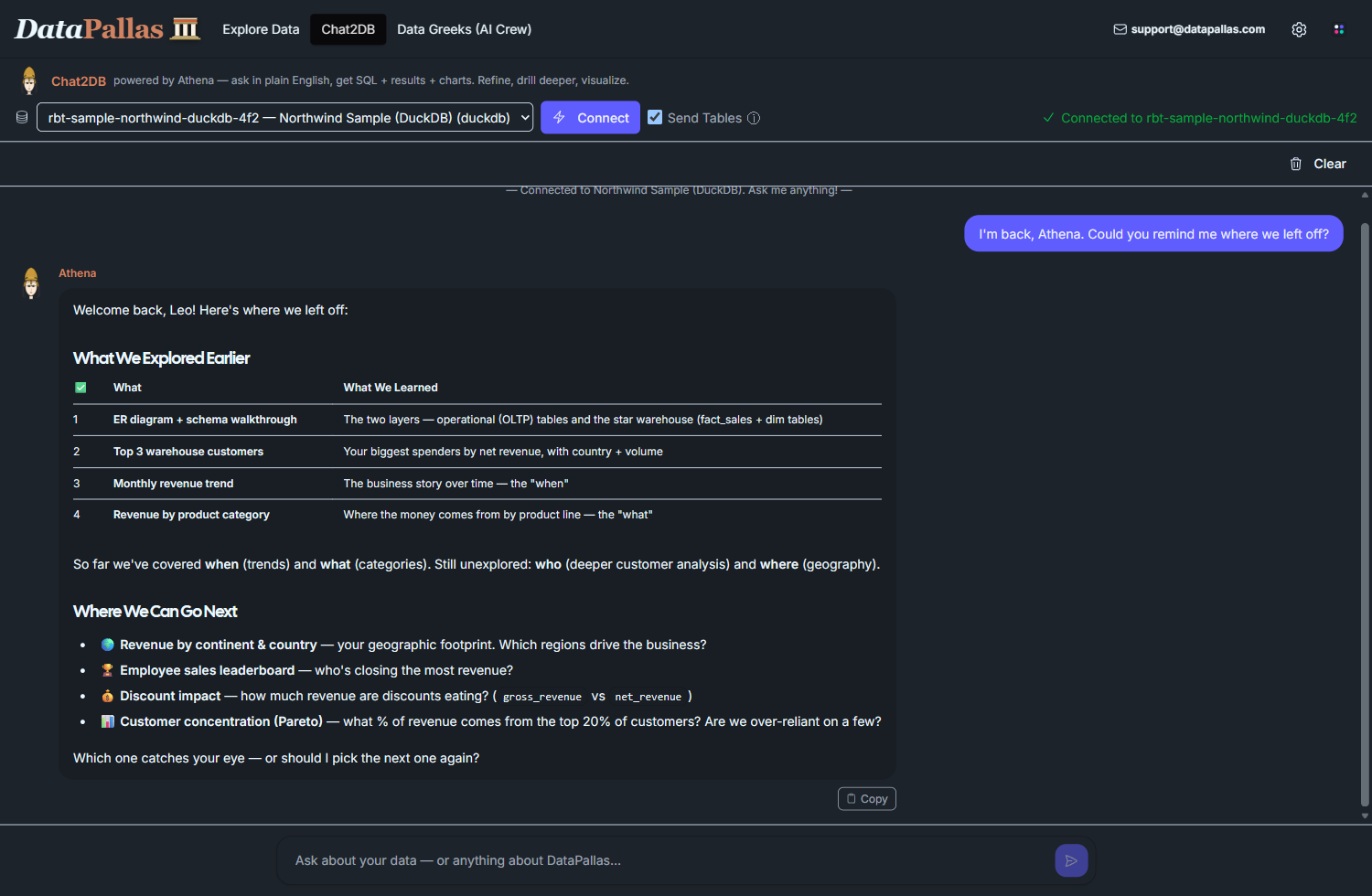
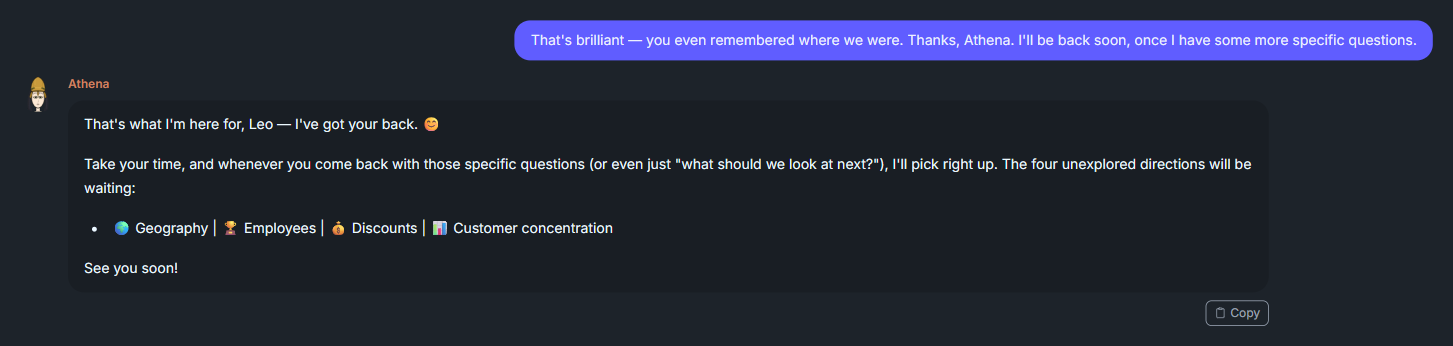
Persistent memory across sessions. All DataPallas AI Crew members have built-in persistent memory — they remember people, projects, past conversations, and even self-improve over time. It doesn't matter whether you come back after 5 minutes, 5 hours, days, or even months — the agents pick up right where you left off. The only way to reset an agent is to check the Force recreate option when updating agents, which completely wipes and recreates them from scratch. For this session, the app was deliberately stopped and restarted to verify that Athena genuinely remembers previous interactions.
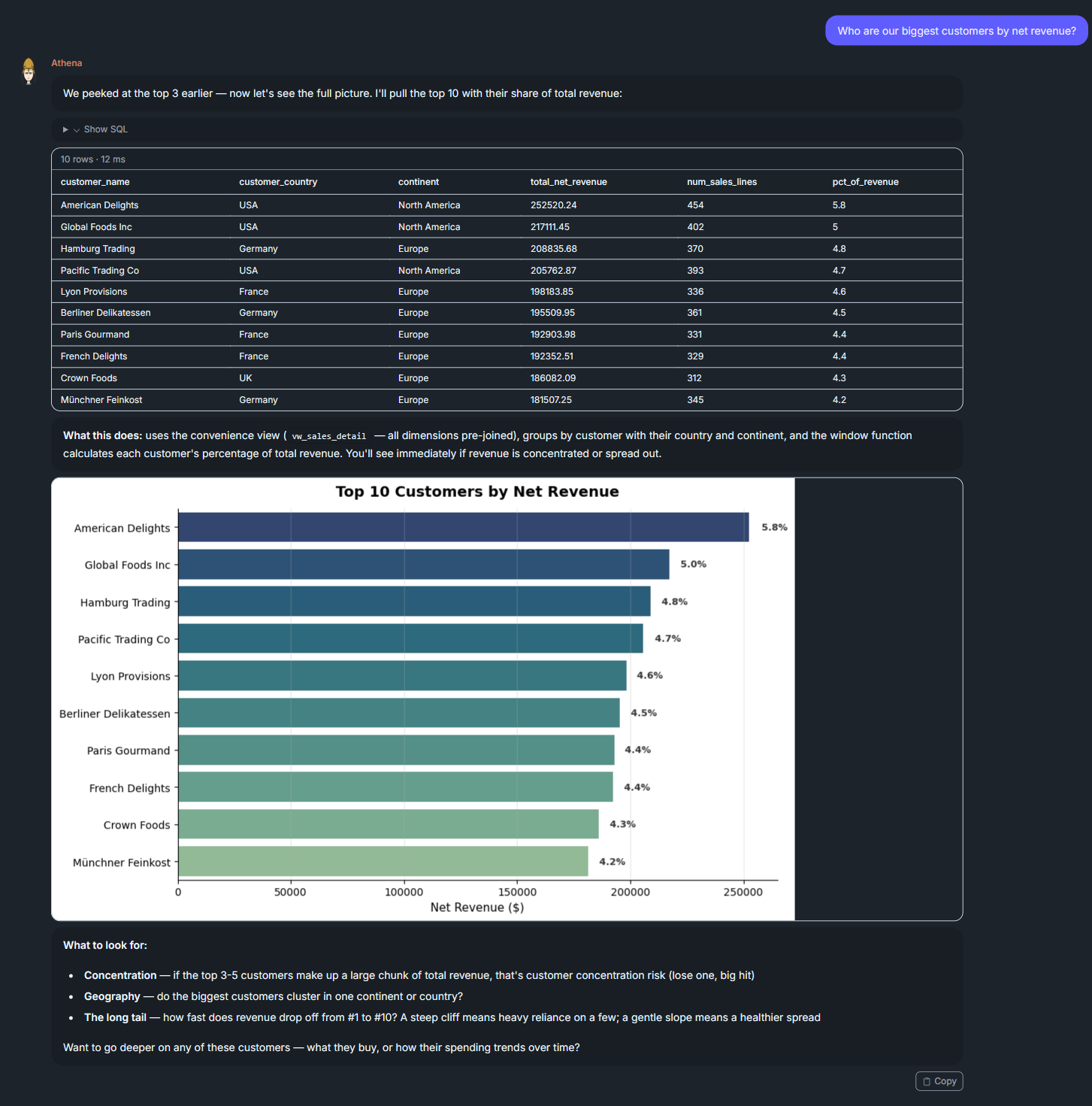
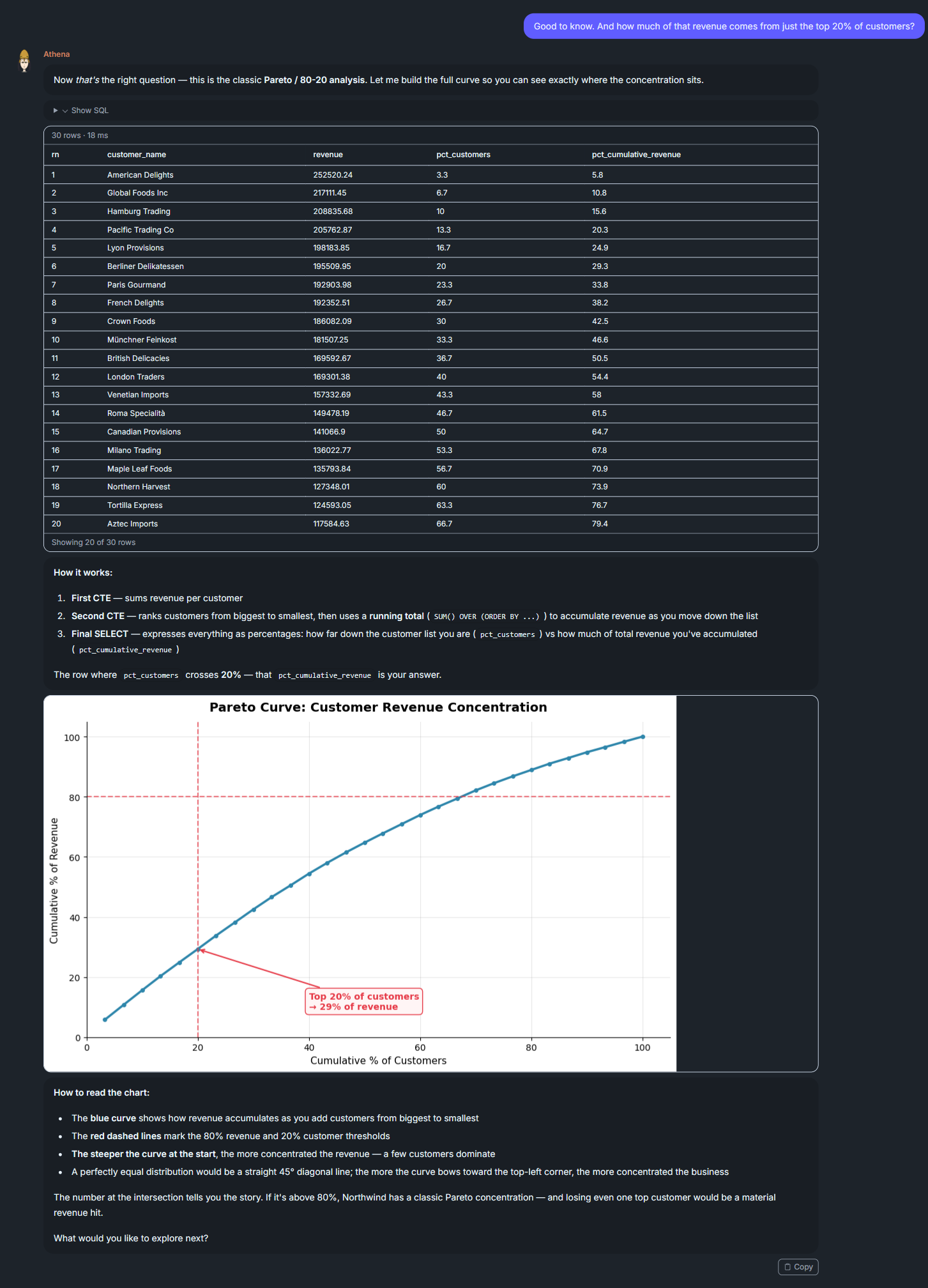
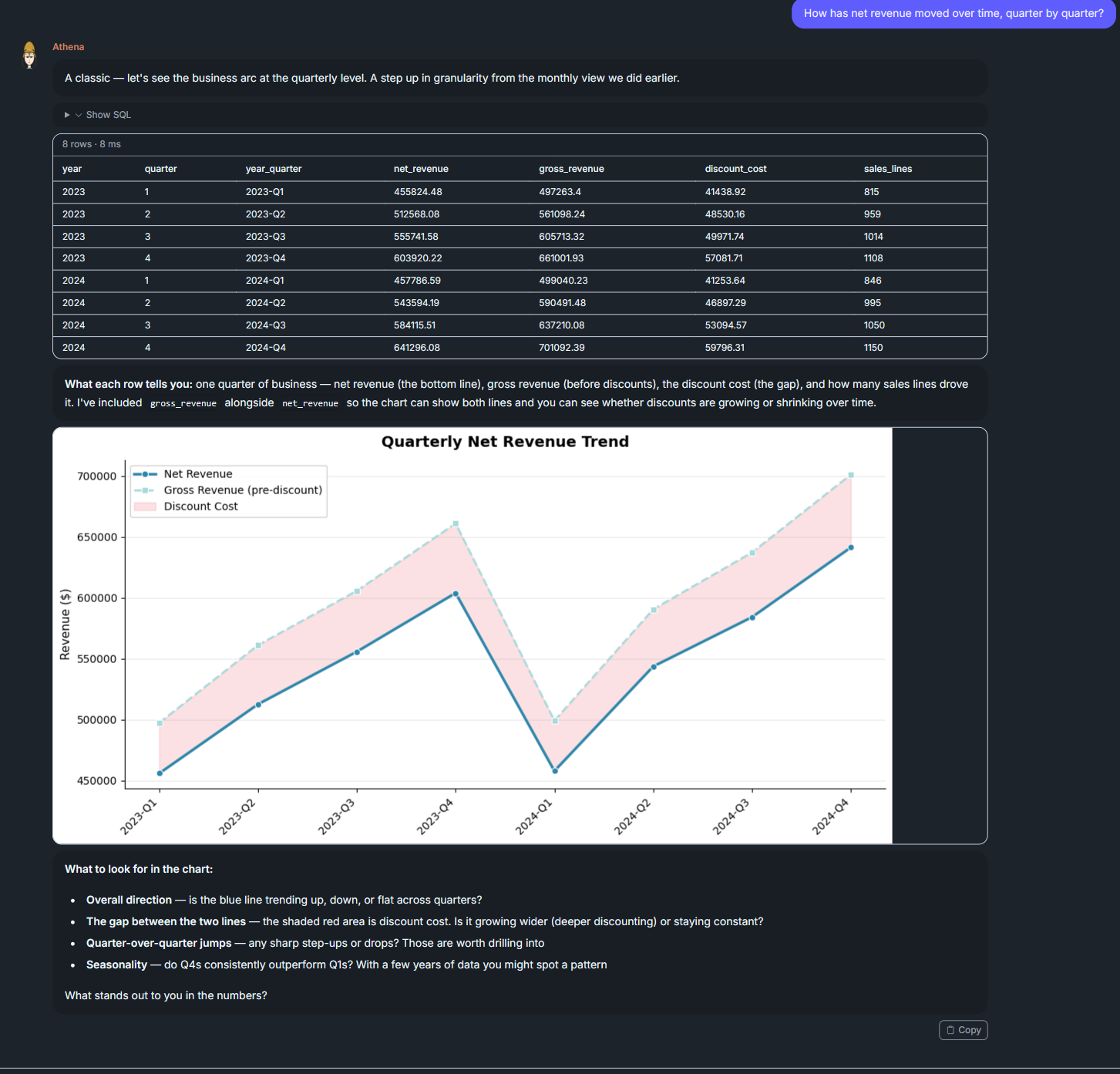
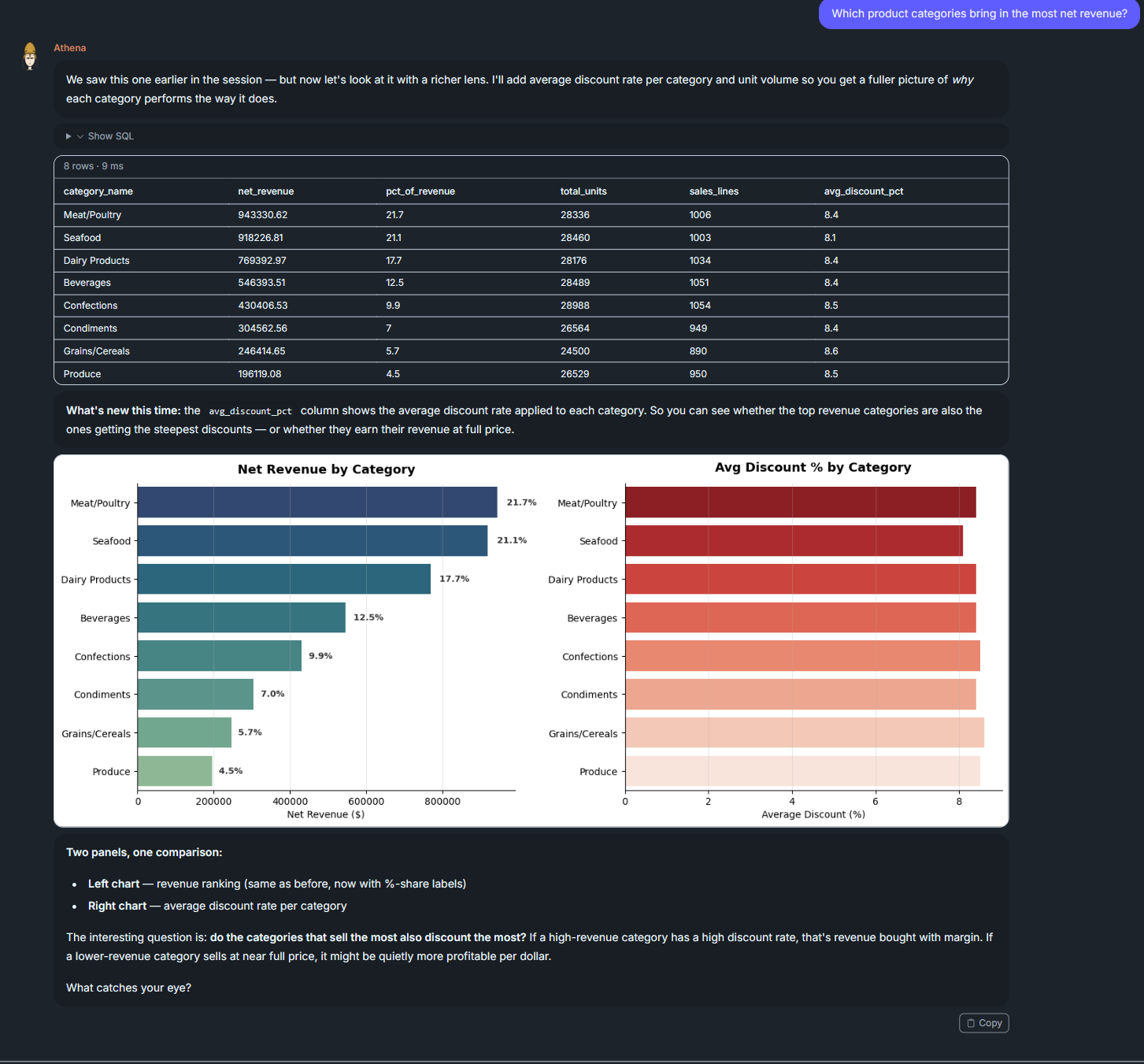
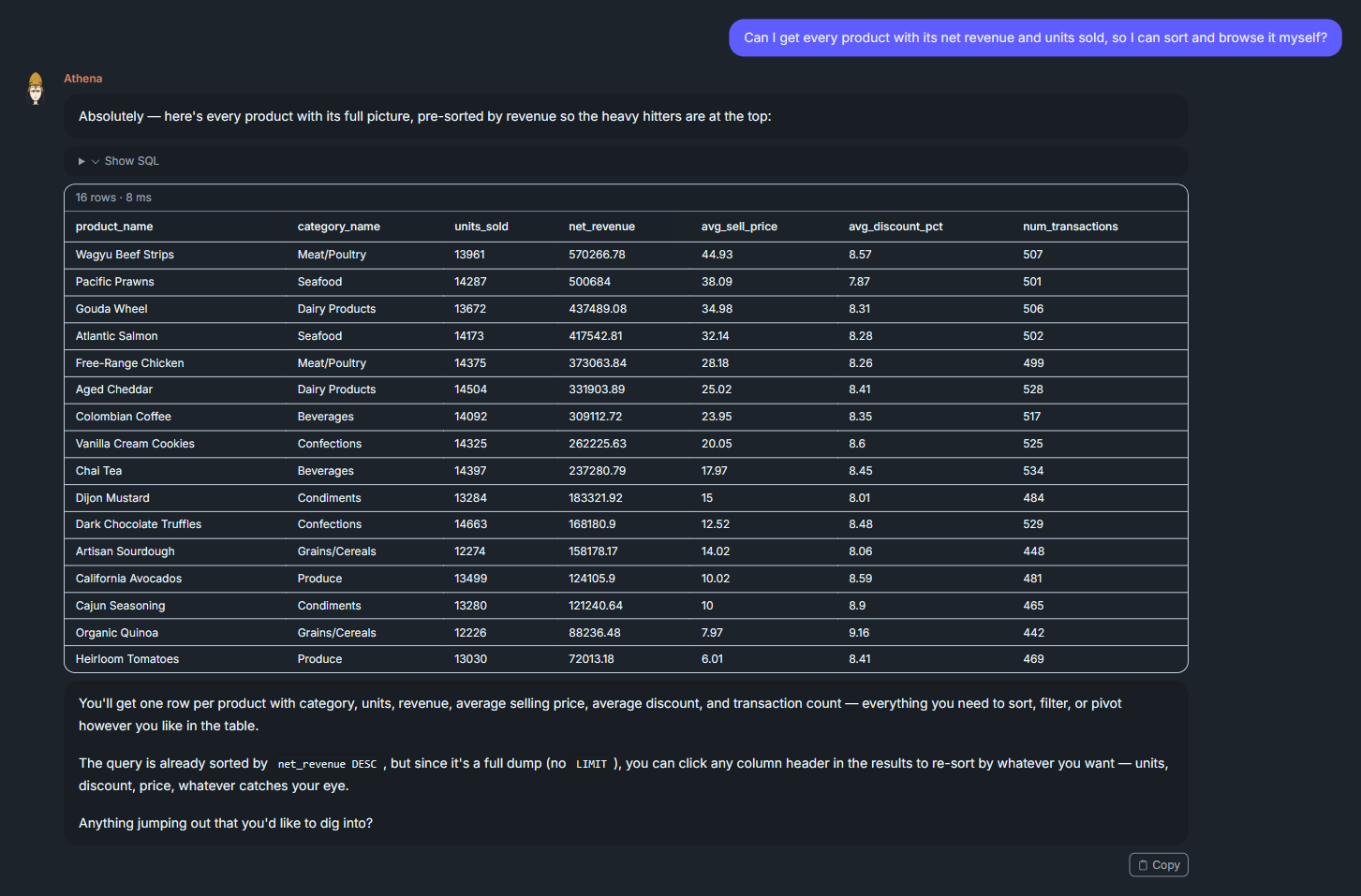
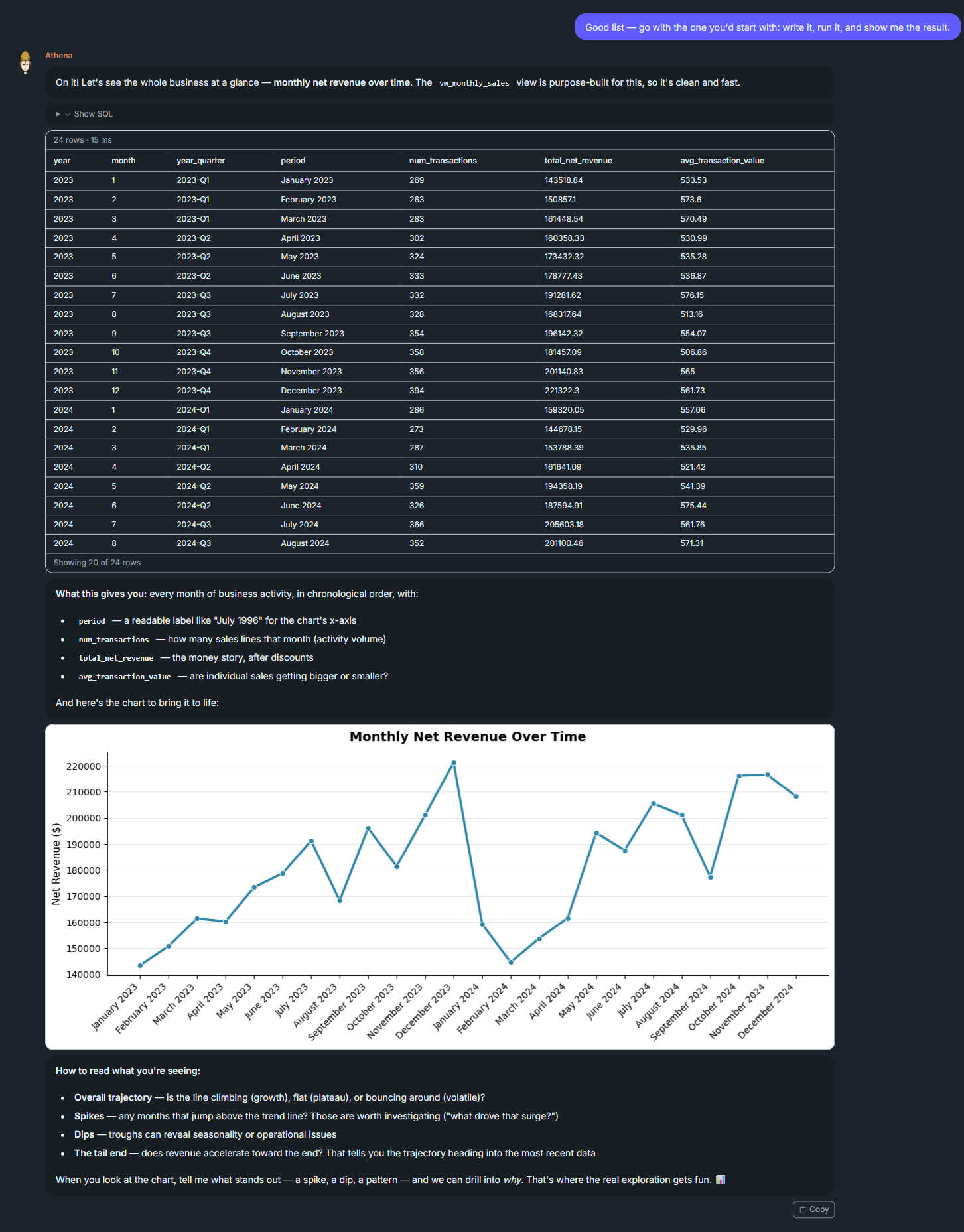
Session 2: Charts and Deeper Analysis