Large-Scale Report Generation
Generate thousands or millions of reports and see the results on your own hardware. DataPallas includes a built-in data seeding tool so you can quickly load realistic volumes and run your own performance test — no guesswork, no trust-us benchmarks.
Table of Contents
Can It Handle My Volume?
DataPallas was built from the ground up to generate and distribute large numbers of reports. If you are evaluating it for payslips, invoices, statements, letters, or any other document type at scale, you are probably asking yourself: "Can it actually handle my volume?"
That is the right question. And the honest answer is: it depends. It depends on your hardware, your database, your report complexity, your output format, your server load. Every environment is different, and no vendor benchmark can tell you what will happen on your machine with your data.
So instead of publishing numbers that may not reflect your reality, we built something better: a way for you to answer that question yourself, in minutes.
DataPallas ships with a built-in data seeding tool inside every database connection. You pick a database, seed it with the volume of data you expect in production — 1,000 records, 100,000, or a million — configure your reports, click Generate, and see exactly what you get. On your hardware. With your setup. No guesswork.
Try It Yourself — In Minutes
For a complete, hands-on walkthrough — from seeding data to configuring the datasource and template to generating 10,000 invoices see
Note: Anywhere this flow asks you to write code — a custom seed script, a datasource query, a report template — you don't have to write it yourself. DataPallas includes AI-powered tools that draft the code for you. Click "Hey AI, Help Me with…" in the UI and tell it what you want.
Step 1: Bring Up Your Database
Pick the database vendor you want to test with:
- Containerized vendors (Oracle, SQL Server, PostgreSQL, MySQL, MariaDB, IBM Db2, Supabase): go to Help & Support → Apps / Starter Packs / Extra Utils and click Start for that vendor. A Docker container with a sample database spins up automatically.
- File-based vendors (SQLite, DuckDB): a sample database file ships with DataPallas. No container, no setup — skip ahead to Step 2.
Note: Container vendors require Docker installed and running on your machine. Each starter pack launches a fully configured database container with realistic sample data preloaded.
Step 2: Open the Connection's Seed Data Tab
Open Configuration → Connections, select your database connection, and click Edit. In the Connection Details modal, switch to the Seed Data tab.
If the connection has not been tested yet, click Test Connection first — the seed panel becomes interactive once the schema loads.
Step 3: Pick the Invoice Seeder Template
Switch to the Example sub-tab. Below the script editor, find the Template dropdown on the right and pick Invoice Seeder. The editor above repopulates with the full Groovy script that will run.
Click Copy Example Script To Clipboard (left of the dropdown).
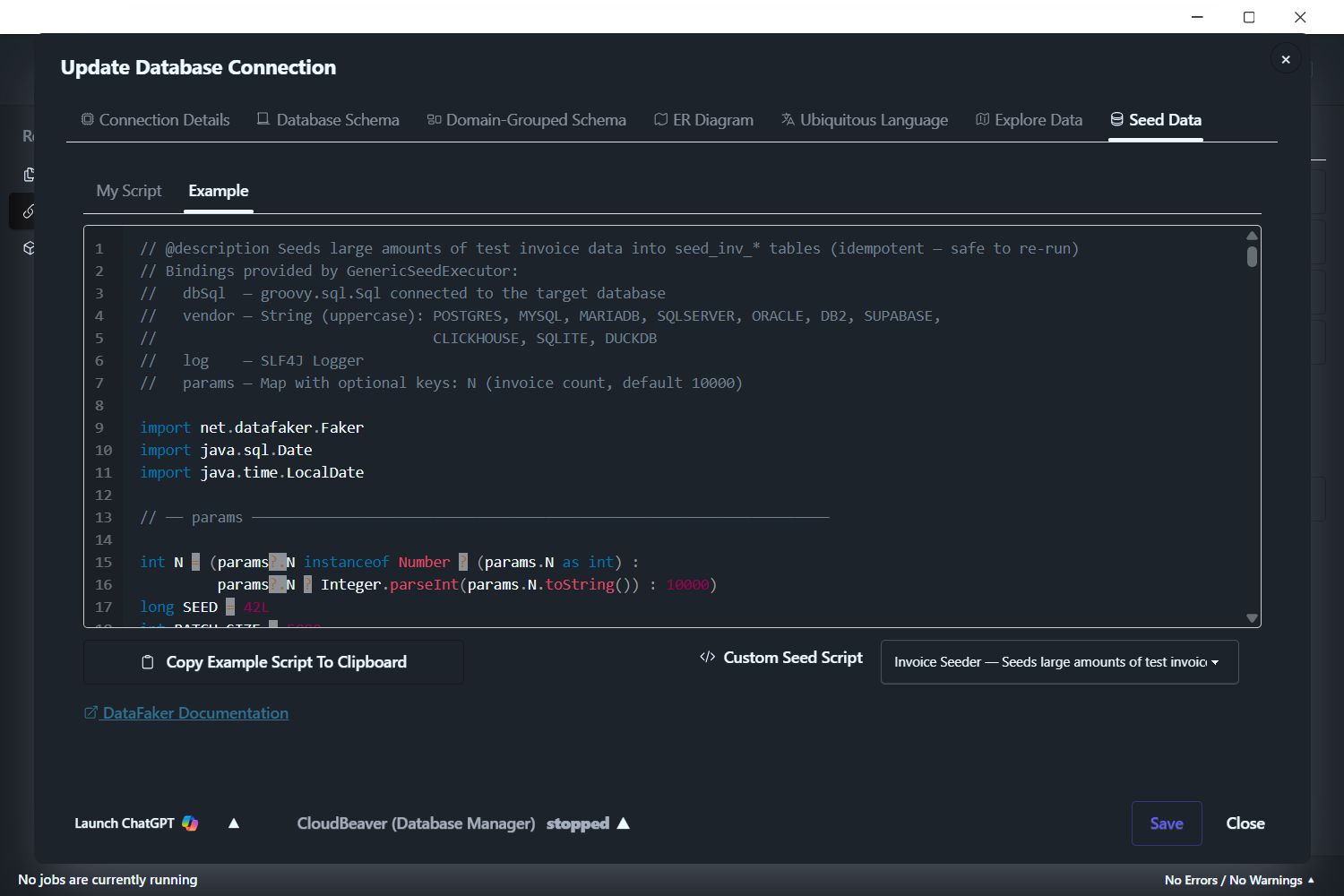
The seeding tool generates invoices because invoices are sufficiently complex — each one joins customer details, product information, and multiple line items. This is representative of any real-world business report, not a trivial single-table query. The performance you see with these invoices on your hardware, at your data volume, is meaningful for any report type you generate in production — payslips, statements, work orders, or anything else.
The seeded data is kept separate from your existing data and does not interfere with it.
Step 4: Paste, Set Volume, Run
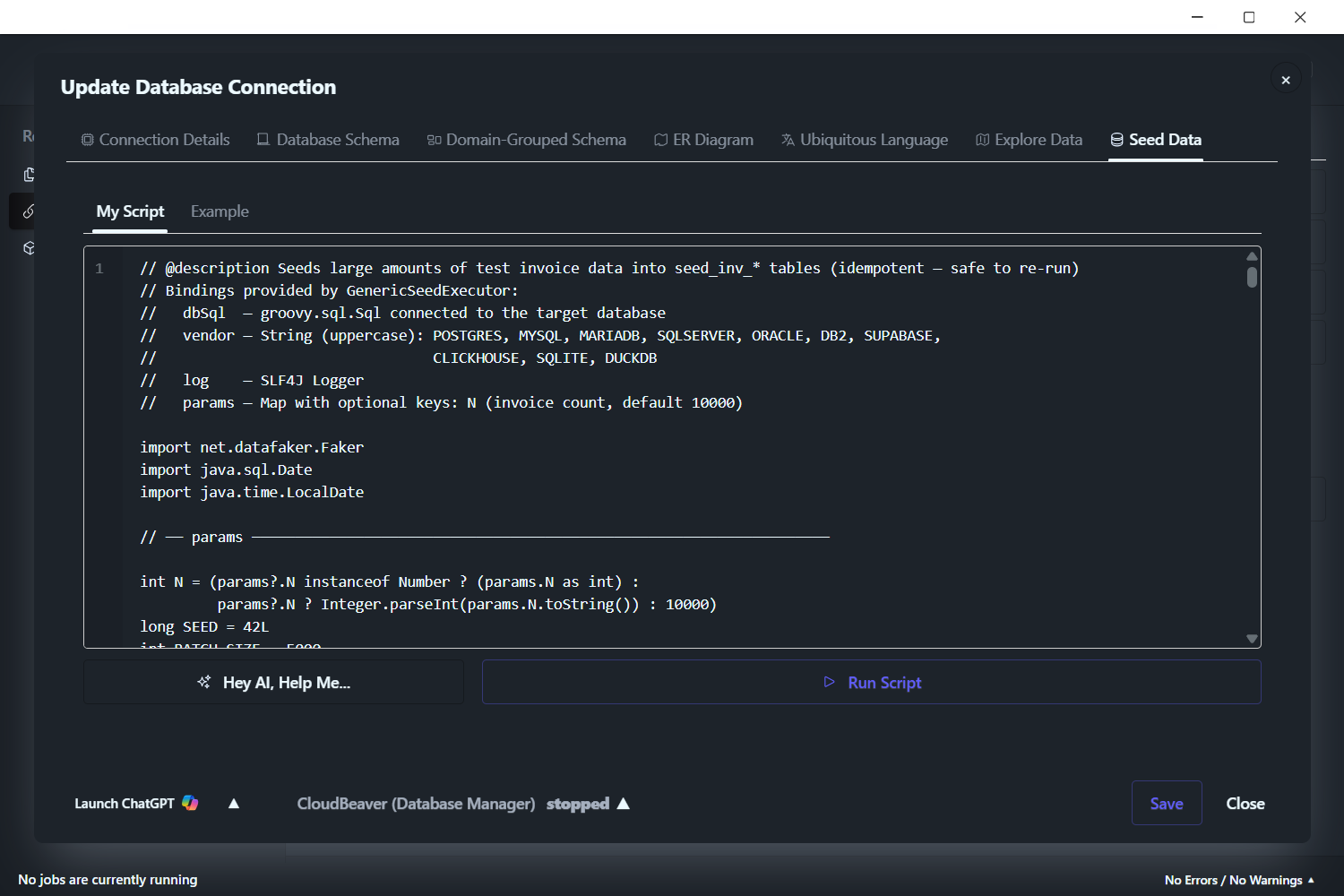
Switch to the My Script sub-tab and paste.
The script seeds 10,000 invoices by default. To change that, near the top of the script find the line that starts with int N = — the number at the end of that line is the default count. Replace it with your target volume:
1000for 1,000 invoices100000for 100,000 invoices1000000for 1,000,000 invoices- …or any other number you want
Click Run Script. Wait for the run to complete.
Step 5: Generate Your Reports
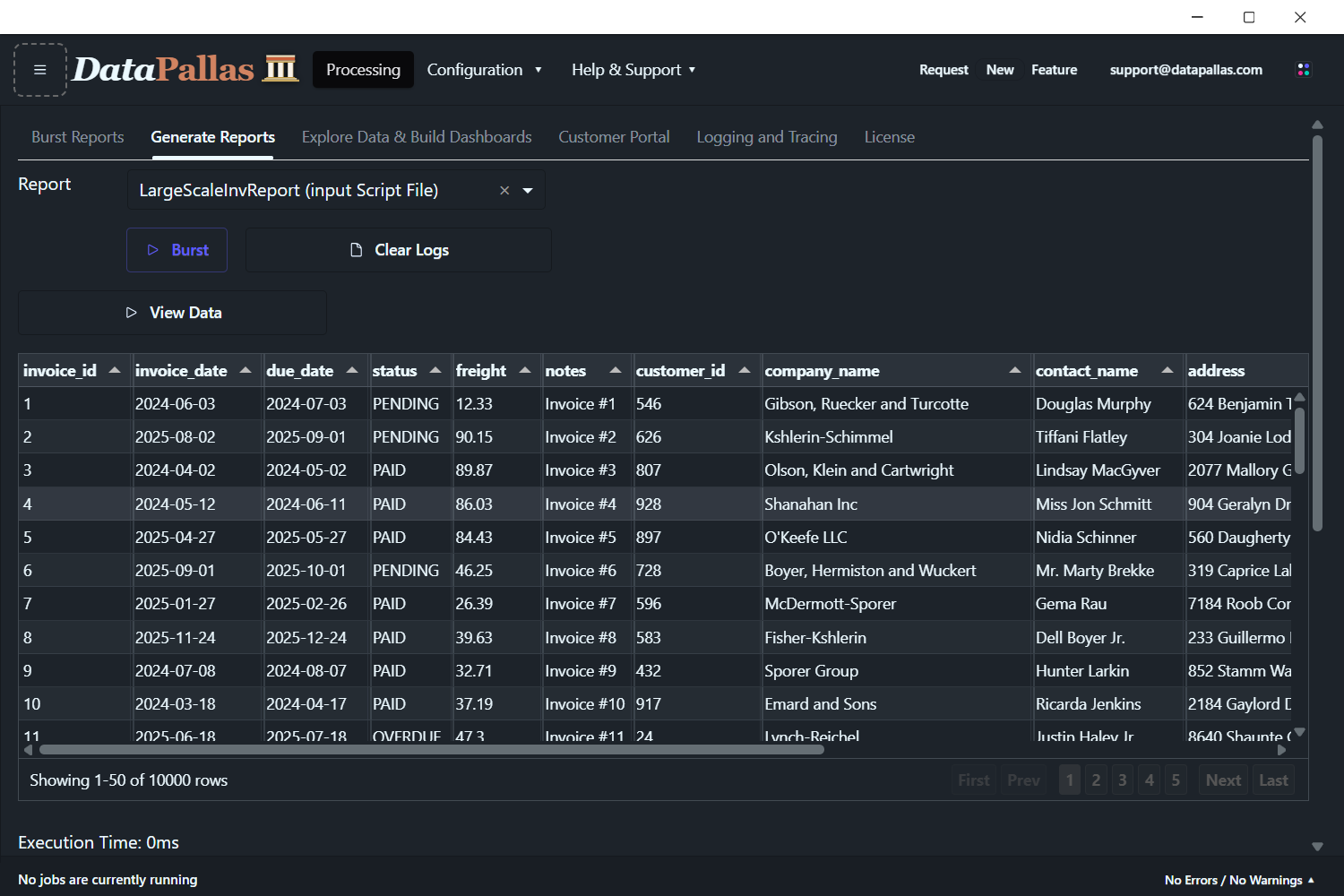
Configure an invoice report against the seeded data — datasource, template, output format — then click Generate. The data grid shows your seeded invoices ready for bursting. The full setup walkthrough (datasource, template, output format) is in the Large-Scale Report Generation with MySQL blog post linked at the top of this page.
Step 6: See Your Results
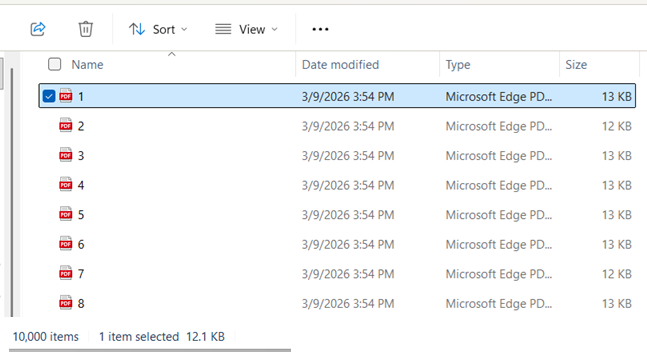
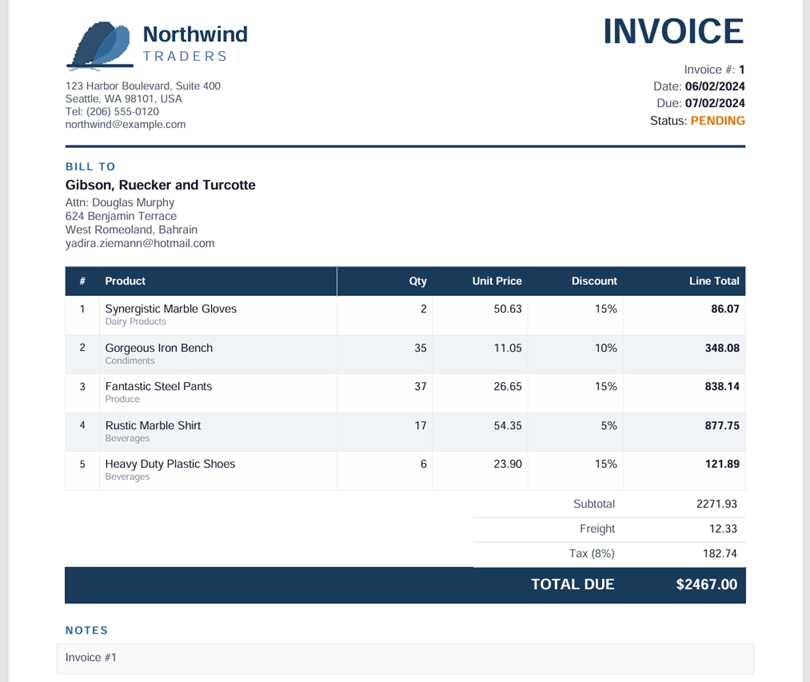
DataPallas writes one PDF per invoice into the output folder you configured. Open the folder to see the full set, or open any one PDF to verify it rendered correctly.
Step 7: Wipe and Try Again
To remove the seeded invoice data, repeat the same flow with the Wipe Invoices template instead of Invoice Seeder: open the Template dropdown on the Example sub-tab, pick Wipe Invoices, click Copy Example Script To Clipboard, switch to My Script, paste, click Run Script.
Then seed a different volume and test again. Try 10x more. Try a different database engine. Try a different output format. Compare.
Supported Databases
The data seeding tool works with all bundled database connections:
- Oracle
- SQL Server
- PostgreSQL
- MySQL
- MariaDB
- IBM Db2
- Supabase (PostgreSQL BaaS)
- SQLite
- DuckDB
The seeding engine handles vendor-specific differences internally — you just pick the template and click Run Script.
Tips for Large Volumes
- Start small. Seed 1,000 records first to verify everything works, then scale up to 10K, 100K, or beyond.
- Monitor disk space. Generating a large number of documents takes disk space. Make sure your output drive has room.
- Windows Explorer and large folders. Explorer slows down when a single folder contains more than ~100,000 files. The generation itself is not affected — only the file browser struggles. Use the command line or archive tools to browse very large output folders.
- Try different databases. The same data volume can perform differently across database engines. Seed the same amount on multiple vendors and compare.
- Wipe before re-seeding. Always run Wipe Invoices before seeding a different volume to keep your test clean.